

Devices
Incline treadmills and Treadmill Pro
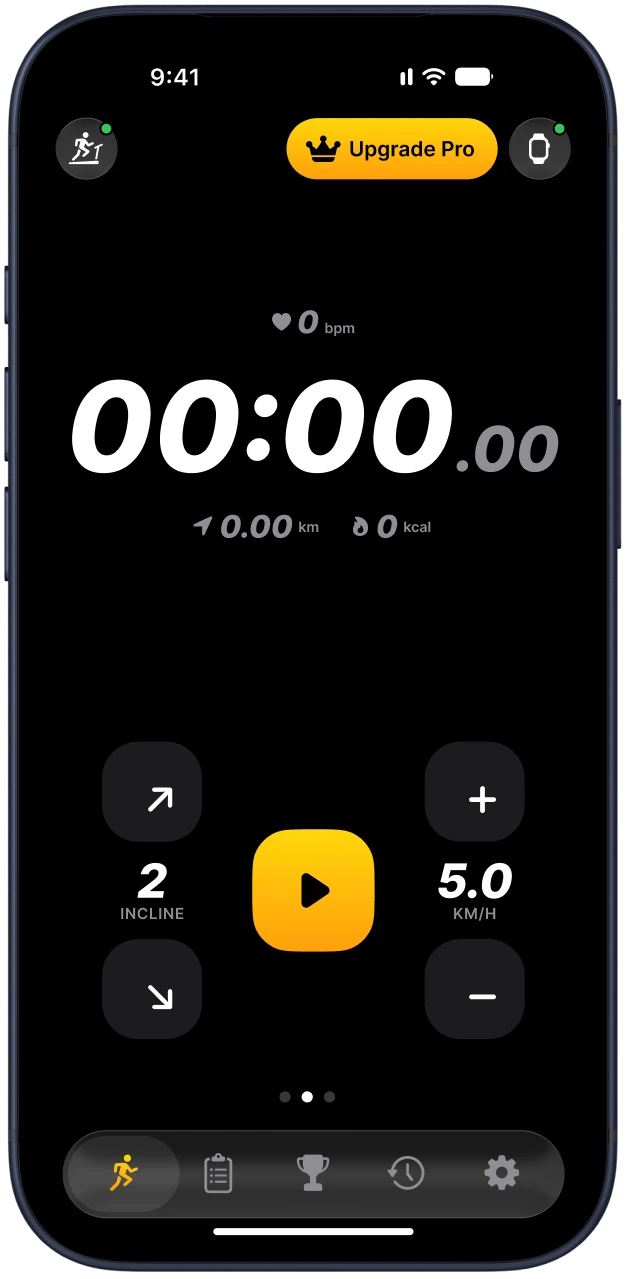
Treadmill Pro can raise and lower the incline from your phone on treadmills that report incline over Bluetooth. On those models, the incline programs tilt the deck for you.
On a treadmill without incline control, the app still connects and controls speed, and the incline programs switch to speed changes.


Incline support by connection type
| Connection | Incline from the app |
|---|---|
| FTMS | Yes, when the treadmill has a motorised incline. The app reads the incline range the treadmill reports. |
| Brand protocols | Yes on supported models with incline, such as some Impulse and Gymax treadmills. |
| WalkingPad | No. Walking pads have a flat deck. |
How to check your treadmill
Connect the treadmill in Treadmill Pro. If incline is supported, incline buttons appear on the workout screen.
If your treadmill has incline but the buttons do not appear, it does not share incline over Bluetooth. You can still change it on the console.
Not sure about your model? Find it in the list of supported treadmills or write to support with the model name.
Programs that use incline
Hill Walk (free) and 12-3-30 (Pro) change the incline for you. On a flat treadmill they run as speed changes instead.
Questions and answers
Can the app add incline to a treadmill that has none?
No. The app can only control what the treadmill motor can do.
Why is my incline range smaller than the console shows?
The app uses the range the treadmill reports over Bluetooth. Some models report less than the console allows.