






Control your
NordicTrack X22i
from your iPhone
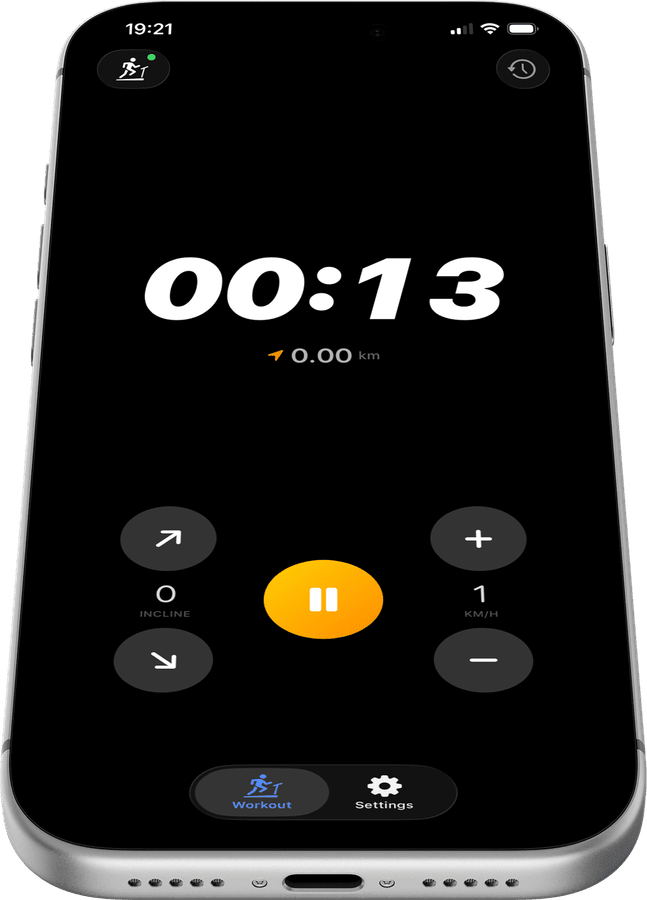
With Treadmill Pro on your iPhone, your NordicTrack X22i becomes truly hands-free. The app pairs over Bluetooth automatically, so you can adjust speed and incline without ever reaching for the console mid-run.


Free · iPhone, iPad & Android
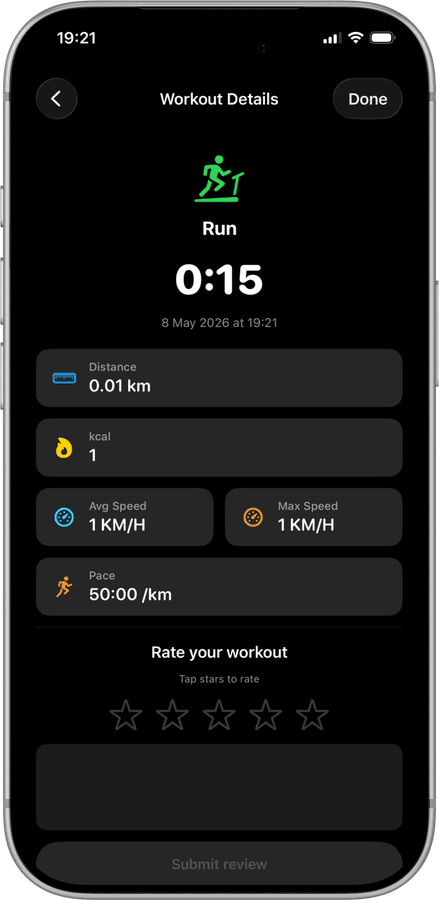
All your NordicTrack X22i workouts in Apple Health
Every run on your NordicTrack X22i is logged automatically: distance, calories, active minutes, and real-time heart rate from Apple Watch. Open the Health app and your treadmill history is already there.
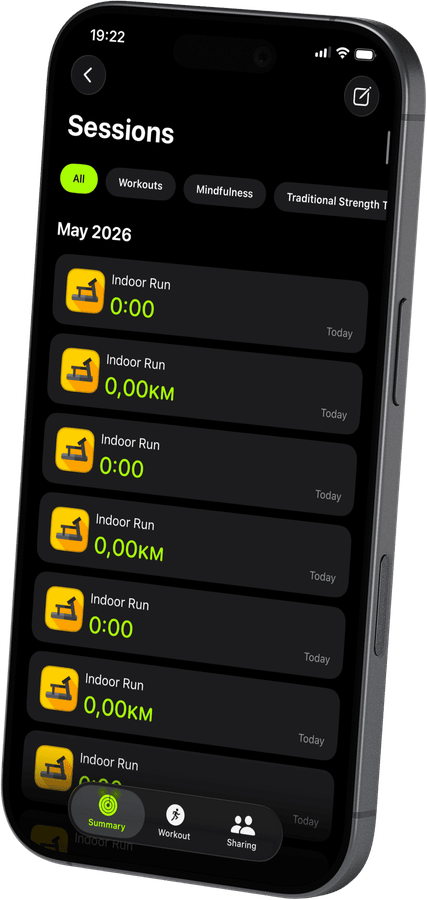
Full speed and incline control from your iPhone
Tap once to increase speed, tap again to adjust incline. Treadmill Pro keeps the controls front and center during every session, so you never make an awkward reach toward the console while you run.
Customize the app to your style
16 languages, metric or imperial units, light and dark themes, custom app icons. Treadmill Pro adapts to how you train, not the other way around.
How to connect your NordicTrack X22i
- 1
Charge your phone, power the treadmill
Make sure Bluetooth is on in iPhone Settings, then switch on your NordicTrack X22i so it is ready to be discovered.
- 2
Let Treadmill Pro find the NordicTrack X22i
Open the app and wait a few seconds. Your treadmill shows up in the device list on its own, no code needed. Tap it to pair.
- 3
Run, adjust, and finish
Start your session, change speed or incline whenever you like from your iPhone, and let Treadmill Pro handle the Apple Health sync when you stop.


Frequently asked questions
What iOS version do I need for the NordicTrack X22i?
Treadmill Pro requires iOS 15 or later to connect with the NordicTrack X22i. Most iPhones from the last several years meet this requirement.
Does Treadmill Pro work with an iPad too?
Yes, Treadmill Pro runs on iPad as well as iPhone, so you can control your NordicTrack X22i from whichever device you prefer to have nearby.
Are there ads in the app?
Core features for the NordicTrack X22i, Bluetooth control, incline and speed adjustment, and Apple Health sync, are all included without ads.

Take control of
your X22i
Download Treadmill Pro for free and start controlling your NordicTrack X22i from your iPhone in seconds.
Free on the App Store & Google Play · iPhone, iPad & Android