

Setup
How to connect your treadmill to your phone
You need a treadmill with Bluetooth, a phone, and about a minute. The app finds the treadmill on its own and shows it in a list.
If your treadmill does not appear, the checklist below covers the usual causes.

How it works
Connect in three taps
-
Download the app
Get Treadmill Pro free from the App Store or Google Play.
-
Turn on Bluetooth
Switch on your treadmill and Bluetooth on your phone.
-
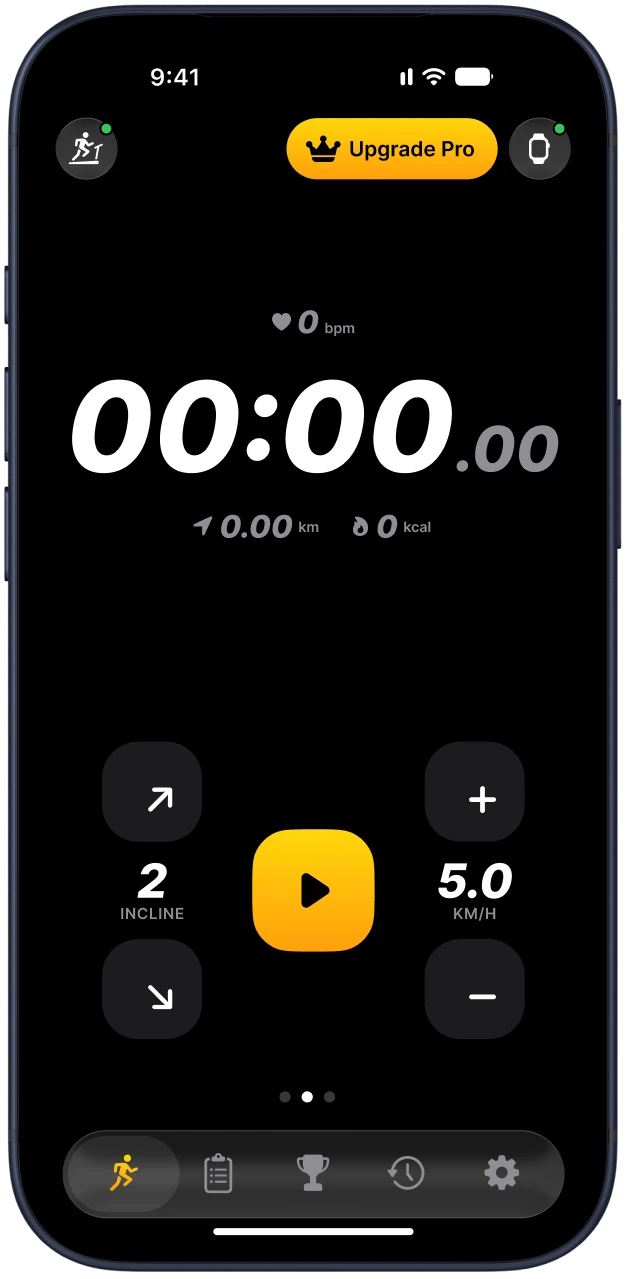
Tap Connect
Pick your treadmill from the list and start your workout.
Supported treadmills
Works with 65+ treadmills
Any treadmill with the FTMS Bluetooth profile, plus many models with their own protocols.
- WalkingPad
- NordicTrack
- ProForm
- Sole
- Horizon
- Bowflex
- Gymax
- BH Fitness
- Bluefin
FAQ
Questions and answers
Is Treadmill Pro free?
Yes. The app is free to download. Control, timer and live stats are free, and Pro adds every program, live heart rate and more.
Which treadmills are supported?
Any treadmill with the FTMS Bluetooth profile, plus WalkingPad, Gymax and many models with their own protocols. 65+ in total.
Do I need an Apple Watch?
No. Everything works with just your phone. With an Apple Watch you also get live heart rate.
How do I cancel Pro?
Open your subscriptions in the App Store or Google Play and cancel there. You keep Pro until the end of the paid period.
The treadmill does not show up
Make sure the treadmill is switched on and the belt console is awake. Many models only advertise Bluetooth while the console is on.
Turn Bluetooth on for your phone and allow Bluetooth access to Treadmill Pro in the phone settings.
Close other fitness apps. A treadmill usually accepts one Bluetooth connection at a time.
Move the phone close to the console, within a metre or two, then try again.
Switch the treadmill off for ten seconds, switch it on, and tap Connect again.
Still stuck? Write to support@treadmillpro.app with your treadmill model and we will help.
Connection types
| Type | What it means |
|---|---|
| FTMS | The standard Bluetooth profile for fitness machines. Works with most modern treadmills. |
| WalkingPad | Walking pads from WalkingPad and similar brands. |
| Own protocol | Some brands, such as Gymax or Superfit, use their own protocol and are supported by model. |
Safety
Clip the safety key to your clothes before you start, and stop the treadmill with the key or the console if anything feels wrong.
Questions and answers
Does it work on iPhone and Android?
Yes. Treadmill Pro is free to download on the App Store and Google Play, and the steps are the same on both.
Do I need Wi-Fi?
No. The treadmill connection uses Bluetooth only.