






Control your
Horizon 7.8 AT
from your iPhone
Treadmill Pro turns your Horizon 7.8 AT into a smart, phone-controlled machine. Open the app, and it finds your treadmill over Bluetooth in seconds, then you control everything from your iPhone screen.


Free · iPhone, iPad & Android
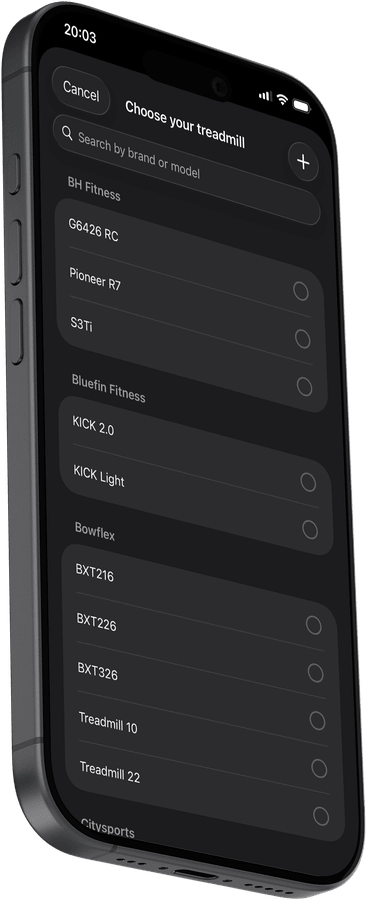
Control your Horizon 7.8 AT without touching it
Speed, incline, start, stop, all from your iPhone. The Treadmill Pro control screen for your Horizon 7.8 AT is built for workouts: large tap targets, instant Bluetooth response, and a live timer so you always know how long you've been running.
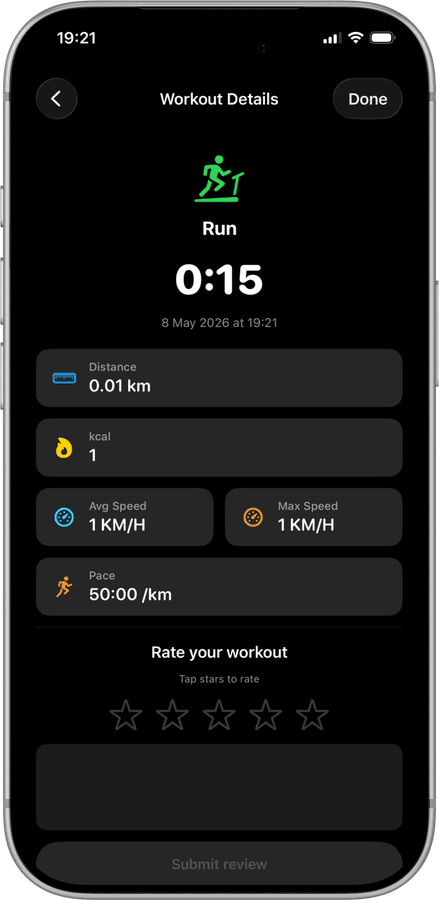
Detailed stats after every 7.8 AT session
Distance, total calories, average speed, max speed, pace, and duration are all captured automatically. Add a personal star rating to remember how the run felt, then compare sessions over time.
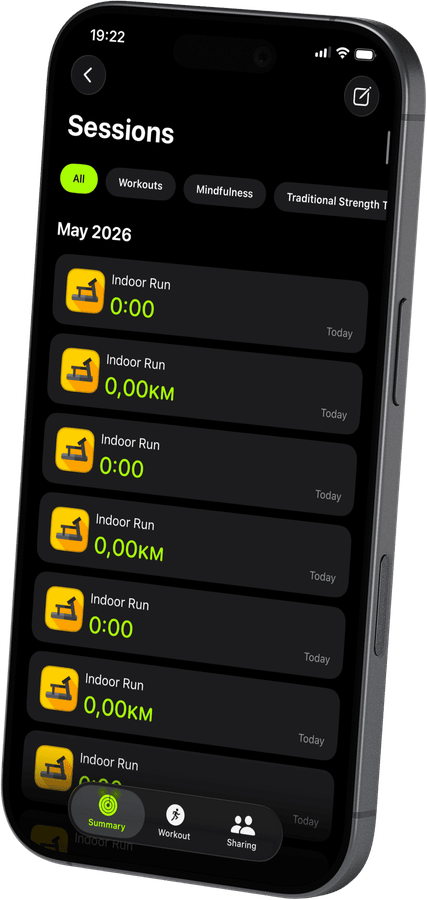

Saved to Apple Health automatically
No extra steps. When you end a session, your Horizon 7.8 AT workout is pushed to Apple Health, calories, distance, and real-time heart rate from Apple Watch included. Everything stays in sync.
How to connect your Horizon 7.8 AT
- 1
Turn on Bluetooth first
Before opening the app, confirm Bluetooth is switched on in iPhone Settings and your Horizon 7.8 AT is powered up.
- 2
Pick your treadmill from the list
Treadmill Pro scans automatically and lists nearby FTMS treadmills. Find your Horizon 7.8 AT and tap once to connect.
- 3
Tap start and go
With the connection made, tap Start to begin your session. Speed and incline stay under your control from the iPhone the whole time.


Frequently asked questions
Can I upgrade to Pro for extra features?
Treadmill Pro offers an optional paid upgrade with additional features on top of the free Bluetooth control for the Horizon 7.8 AT. The core connection and tracking stay free either way.
Does the Horizon 7.8 AT need a firmware update first?
Most Horizon 7.8 AT units work with Treadmill Pro out of the box. If your treadmill uses an unusually old firmware version, check the manufacturer's app for available updates.
What data is saved after each session?
Treadmill Pro saves distance, calories, average and max speed, and pace for every Horizon 7.8 AT session, then mirrors that data into Apple Health.

Take control of
your 7.8 AT
Download Treadmill Pro for free and start controlling your Horizon 7.8 AT from your iPhone in seconds.
Free on the App Store & Google Play · iPhone, iPad & Android