






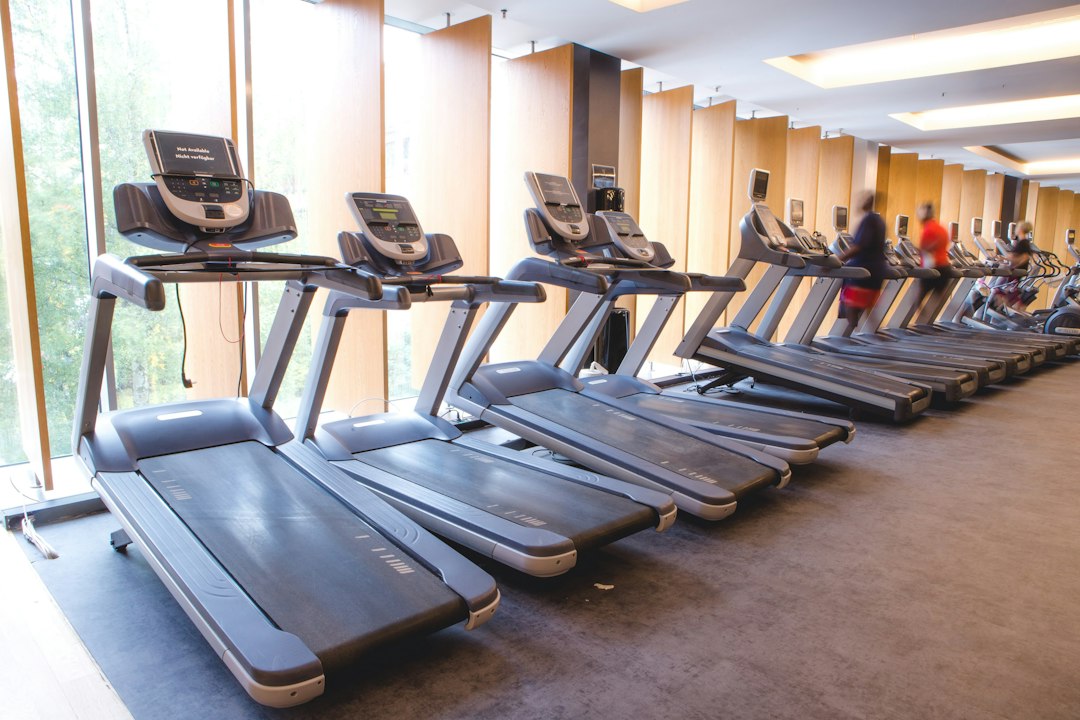
The best under desk treadmill is the one you still use on a Thursday afternoon in month three, while answering email at 3 km/h. That machine depends less on brand and more on your desk height, your floor, your stride and how many hours you plan to walk. Below are the specs that separate a good pad from a noisy rug, five buyer profiles with the numbers each one should look for, and a plan for walking through a real workday.
What an under-desk treadmill is built to do
An under-desk treadmill is a walking machine first. Consumer Reports describes them as lightweight, usually without railings, and designed primarily for walking rather than running. Speed ranges reflect that: according to Women’s Health, most models run between 0.5 and 4 miles per hour, which is roughly 0.8 to 6.4 km/h.
That ceiling is fine for desk work. Typing and reading get hard above about 4 km/h for most people, and calls start to sound breathless above 4.5 km/h. If you also want to run, a pad will frustrate you, and a folding full treadmill is the better buy. Folding models with a fold-up rail sit between the two categories if you want both.
The other thing to accept up front: no railings means no handholds. You steer by staying centered on the belt, and the desk becomes your balance reference. Most people adapt within two or three sessions, but it is a reason to start slow.
The five specs that decide whether you keep using it
Spec sheets list a dozen numbers. These five predict whether the pad ends up under your desk or under your bed.
1. Belt size
Look for a running surface of at least 100 x 40 cm. Below that, people with a longer stride clip the motor hood or drift off the side while their attention is on the screen. If you are over 185 cm tall, aim for 120 cm of length. Width matters more than people expect, because at a desk you walk slightly wider than normal to keep your arms steady for typing.
2. Motor rating
For walking, a continuous-duty rating of around 2.0 to 2.5 HP is plenty. The word “continuous” is the important part. Peak horsepower figures are marketing; the continuous number tells you what the motor holds over a four-hour block without heating up. Our motor size explainer goes through how to read these labels and why a slightly bigger motor often runs quieter.
3. Noise
You will spend hours next to this machine, often on calls. Check reviews for real decibel readings at 3-4 km/h rather than the manufacturer’s claim, and listen for complaints about belt slap or a whine from the motor. A pad that sounds fine in a showroom can be unbearable on a video call.
4. Deck height
Most pads add 12 to 18 cm to your standing height. That shifts your ideal desk height up by the same amount. A standing desk that tops out at 120 cm may not go high enough for a tall user on a thick deck, so measure before you buy.
5. Weight capacity
Buy a pad rated at least 20-25 kg above your body weight. Machines running near their limit for long sessions wear belts and motors faster, and the extra margin costs very little.
Five buyer profiles and what to look for
Rather than ranking individual models that change every few months, here are the profiles we see most often and the spec targets for each. Use them as a filter when you compare listings.
The apartment worker with neighbors below
Your priority is vibration and noise, not speed. Look for:
- A motor rated for continuous duty at low speed, since a strained motor is a loud motor
- A deck with shock absorbers under the belt rather than a rigid plate
- A dense rubber mat underneath, at least 6 mm thick
Floor transmission is the complaint downstairs neighbors actually make. The fixes are covered in detail in our guide to reducing treadmill noise in an apartment.
The all-day walker
If you plan to walk three to five hours a day, durability beats every other feature. Look for:
- A belt of at least 120 cm with a two-ply construction
- A continuous motor rating at the upper end of the range, 2.5 HP or more
- A clear lubrication schedule in the manual and a belt that can be re-centered with a hex key
Expect to lubricate the deck every few months at this volume. Pads that make maintenance hard tend to fail first.
The tall user
Anyone above about 185 cm should filter hard on belt length and deck height. A 120 cm belt is the minimum, and your desk must reach roughly your elbow height plus the deck thickness. If your desk cannot reach that, budget for a desk riser or a new frame along with the pad.
The small-space user
If the pad has to disappear after work, weight and footprint matter more than anything. Look for a model under 25 kg with transport wheels on the front edge and a slim profile that slides under a sofa or bed. Our small treadmill guide compares storage footprints and what you give up as decks get shorter.
The walker who wants harder sessions
Flat walking at 3 km/h is easy to sustain for hours, which is the point at a desk. But some people want a harder session at lunch or after work. A few pads offer a fixed or adjustable incline of 3-6%, and that small grade raises effort noticeably at the same speed. If you want more than that, you are shopping for a different machine, and our guide to treadmills with incline is the place to start.
Setting up your desk and pad
Getting the setup right takes about 20 minutes and decides how comfortable the first week is.
- Place the pad first, then adjust the desk. Stand on the stopped belt in your work shoes and raise the desk until your forearms are level with the keyboard and your elbows sit close to 90 degrees.
- Raise the monitor. The top edge of the screen should sit at or slightly below eye level. A screen that is too low pulls your head forward, and walking amplifies that posture.
- Center the pad under the keyboard, not the monitor. Your hands are your anchor point. If the keyboard sits off-center, you drift toward the edge of the belt.
- Leave 30 cm of clear floor behind the pad. If you step off the back, you want floor, not a chair or a wall.
- Route cables away from the belt. Power cords for the pad, laptop and monitor should run along the desk legs, never across the walking path.
- Put the remote somewhere fixed. A small adhesive tray on the desk edge stops the remote from ending up on the belt.
Walking through a workday
The common mistake is going too hard on day one: four hours at 5 km/h, sore feet, and the pad goes back under the bed. Treat the first two weeks as a build-up.
Week 1: Two or three 30-minute blocks per day at 2.5-3.0 km/h. Use them for tasks that need less precision: email, reading, calls where you mostly listen.
Week 2: Extend to 45-minute blocks, three or four per day. Try 3.0-3.5 km/h during calls if your breathing stays relaxed.
Week 3 onward: Settle into a pattern that suits your work. A common one is walking in the morning for email and planning, sitting for focused writing or design work, and walking again in the afternoon for meetings.
A few rules that keep it sustainable:
- Match speed to task. Detailed spreadsheet work at 2.0-2.5 km/h, reading at 3.0 km/h, phone calls at 3.0-3.5 km/h.
- Wear real shoes. Socks or slippers feel fine for ten minutes and then your arches complain.
- Stop the belt before stepping off. Every time, including when the doorbell rings.
- Track your sessions. Walking at a desk adds up quietly, and the numbers are motivating once you see them. If your pad supports Bluetooth, Treadmill Pro can control speed from your phone, log each session automatically and sync the distance and time to Apple Health, so you are not reaching for the remote mid-sentence.
For a broader picture of how walking speeds and inclines build fitness outside office hours, see our walking treadmill guide.
Questions buyers ask about desk treadmills
Can I use an under-desk treadmill with a regular desk?
Only if you can raise the work surface. A fixed 75 cm desk is too low for anyone walking on a deck. A standing desk, a desktop converter or a tall counter will work, as long as you can reach elbow height plus the deck thickness.
How fast should I walk while typing?
Start at 2.0-2.5 km/h. Most people type accurately at that pace within a few days. Above 3.5 km/h, typos increase for nearly everyone.
Do I need to lubricate it?
Yes. Check the manual for the interval, which depends on hours of use. A dry belt runs louder, makes the motor work harder and wears out faster.
Can I run on it?
Not on a typical model. With a top speed around 4 mph, as Very Good Walk notes in its walking pad overview, and no railings, these machines are built for walking.
Choosing yours
Measure three things before you shop: your desk’s maximum height, the floor space you can dedicate (or the gap under your bed if it has to be stored), and your stride, roughly tied to your height. Then pick the profile above that matches how you will actually use the pad, and filter listings by belt size, continuous motor rating and real-world noise reviews. Start your first week at 2.5 km/h in 30-minute blocks and build from there.

