

Apple Health
Treadmill workouts in Apple Health
Treadmill Pro saves every workout to the Health app on your iPhone. You do not export anything: when a workout ends, it shows up in Health and in the Fitness app.
Sync is for iPhone. On Android, Pro syncs to Health Connect.


Works with Apple Health
Full Apple
Health support
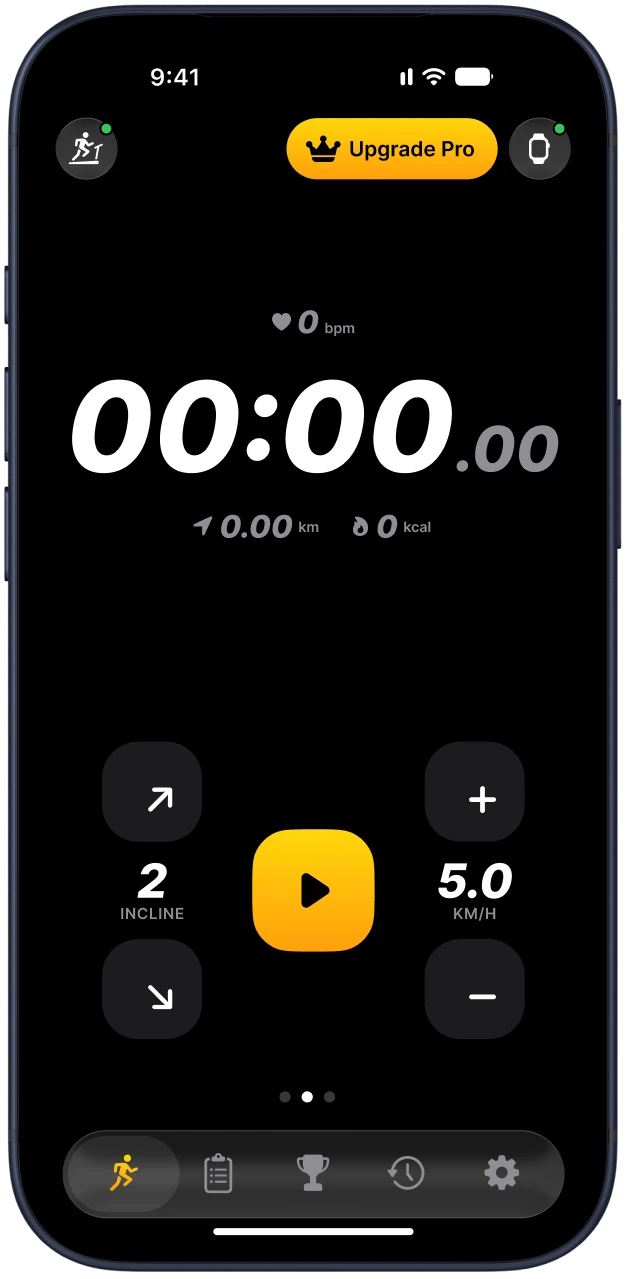
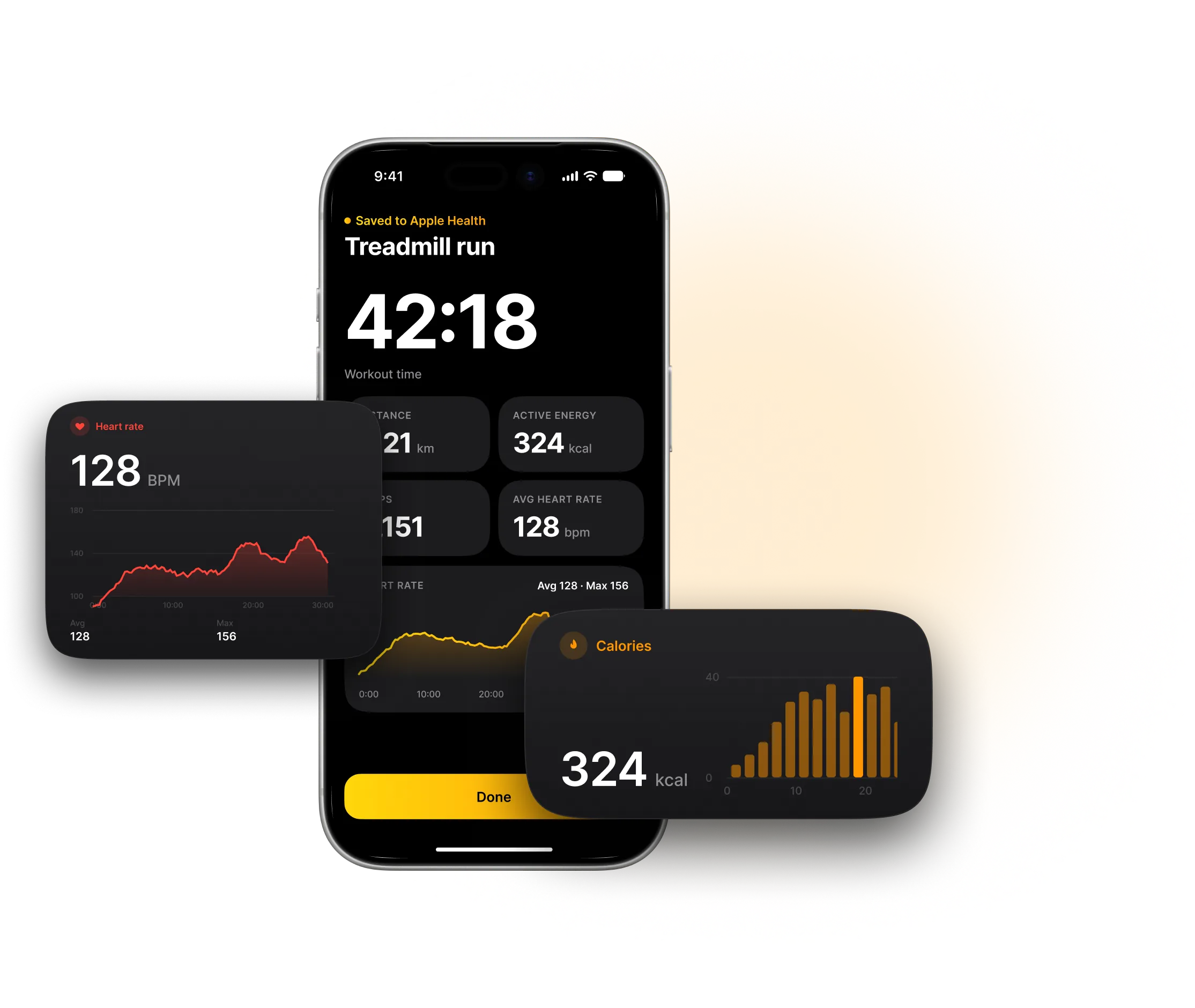
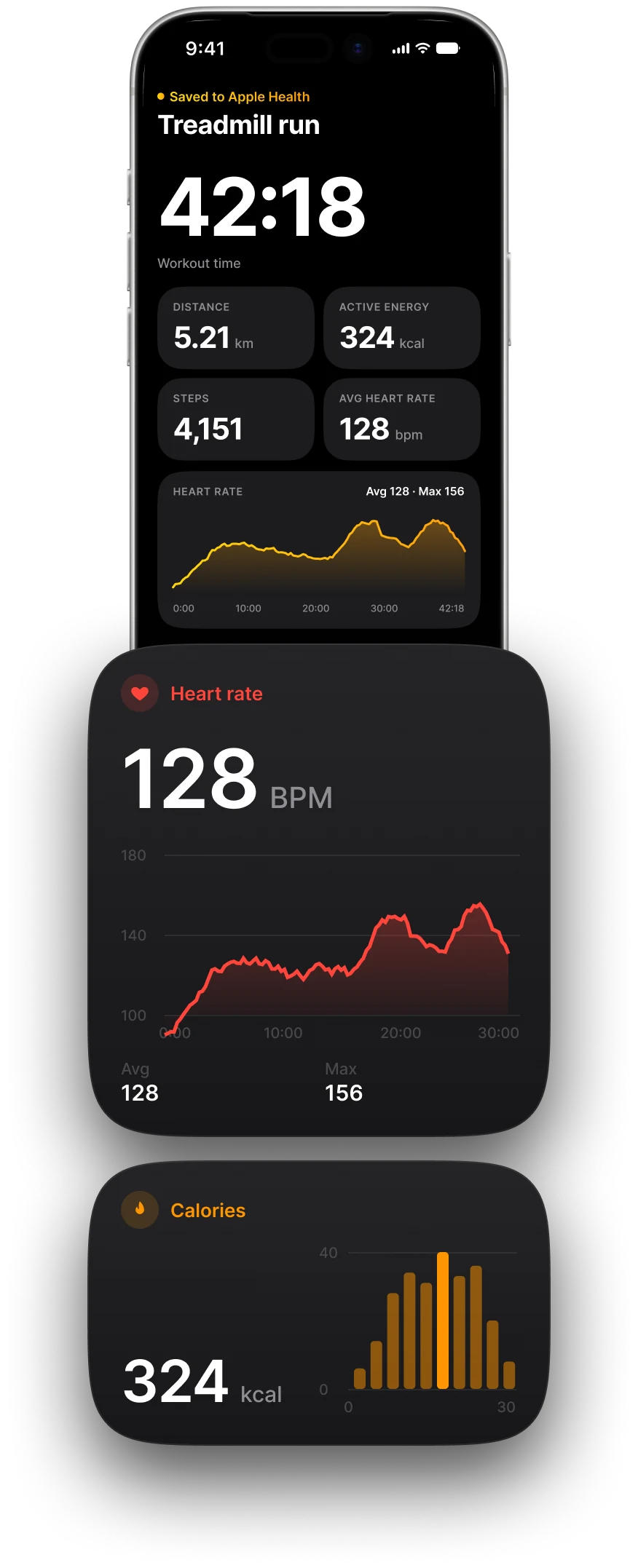
Every treadmill workout lands in the Health app on its own: time, distance, active calories, steps and heart rate.
- Live heart rate from Apple Watch while you run
- Saved as a running or walking workout
- Distance, steps and active calories in Health
- Average and max heart rate in every summary


What is saved
| In Health | Comes from |
|---|---|
| Workout (running or walking) | Your session in Treadmill Pro |
| Distance and time | The treadmill |
| Active calories | Calculated by the app |
| Steps | Counted by the app |
| Heart rate | Apple Watch, when you wear it |
Allow access
Open Settings, then Health, then Data Access and Devices, then Treadmill Pro.
Turn on the data types you want to share and tap Allow.
Finish a short workout and check the Health app for the new entry.
If nothing appears
Check that access is on for Workouts, Distance and Active Energy. If you changed it, finish one more workout.
If your steps look doubled, you may have both the watch and the app writing steps. Turn off steps in one of them in the Health data access screen.
Apple Health sync is part of Pro.
Questions and answers
Is Apple Health sync free?
It is part of Pro. Connecting and controlling your treadmill is free.
Do I need an Apple Watch?
No. Heart rate needs a watch, but time, distance, calories and steps do not.