






Control your
Maxxus RunMaxx 7
from your iPhone
Your Maxxus RunMaxx 7 deserves a better control experience. Treadmill Pro connects via Bluetooth and puts speed, incline, and workout tracking right on your iPhone, completely free.


Free · iPhone, iPad & Android
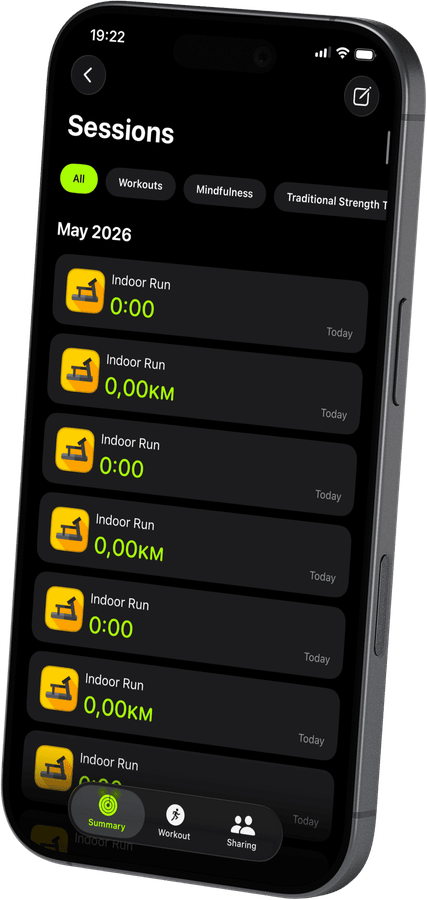

Find the Maxxus RunMaxx 7 in the app instantly
Open Treadmill Pro, go to Devices, and your Maxxus RunMaxx 7 appears within seconds. No PIN, no pairing code, just tap to connect and start your session.
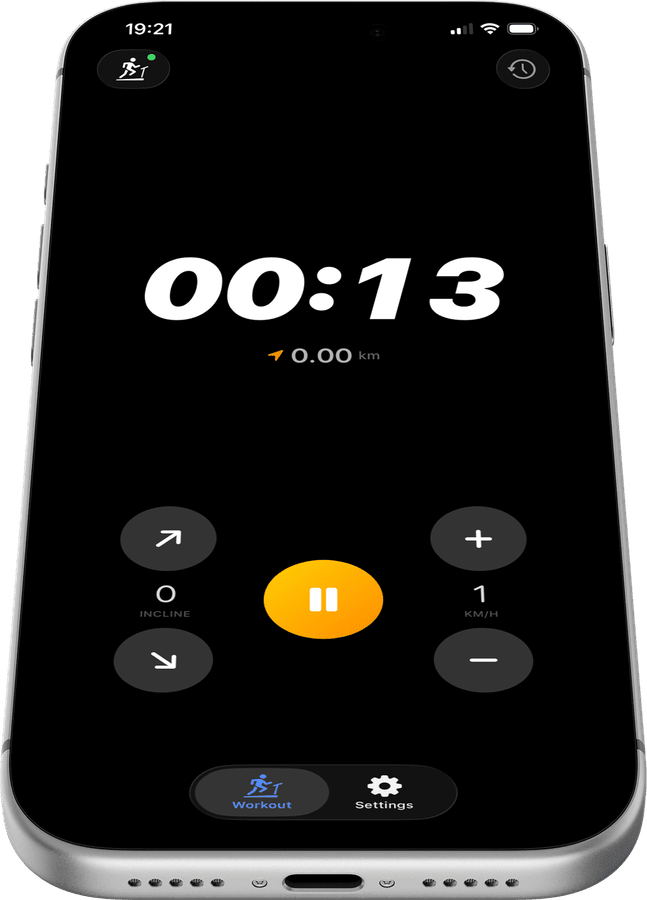
Run data that actually means something
After every session, Treadmill Pro shows distance, calories, average and max speed, and pace. All data is stored in the app and synced to Apple Health, so your long-term fitness picture is always complete.
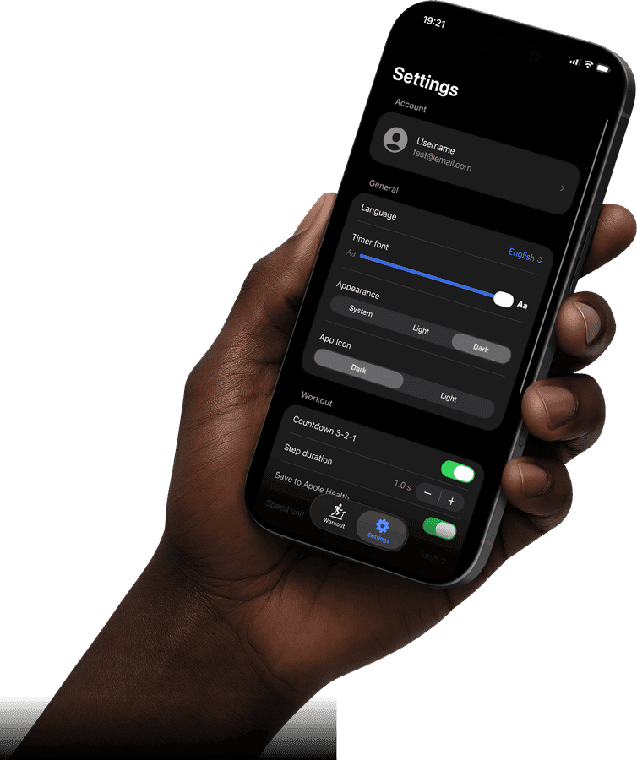
Apple Health, ready from day one
Your Maxxus RunMaxx 7 sessions sync to Apple Health automatically: distance, active calories, heart rate via Apple Watch, and more. Open the Health app and your treadmill history is already there.
How to connect your Maxxus RunMaxx 7
- 1
Open Treadmill Pro
Launch the app on your iPhone and go to the Devices screen. Make sure Bluetooth is on and your Maxxus RunMaxx 7 is powered on.
- 2
Select your Maxxus RunMaxx 7
The app scans for nearby Bluetooth treadmills automatically. Your machine appears in the list within seconds, tap it to connect.
- 3
Start your session
Once connected, tap Start. Control speed and incline from your iPhone, and your workout syncs automatically to Apple Health when you finish.
Other supported treadmills


Frequently asked questions
Is any extra hardware needed for the Maxxus RunMaxx 7?
No. The Maxxus RunMaxx 7 connects to Treadmill Pro over its built-in Bluetooth, so there is no dongle, bridge, or separate sensor to buy.
Can Treadmill Pro track my heart rate on the RunMaxx 7?
Yes, if you wear an Apple Watch during your Maxxus RunMaxx 7 session, your heart rate is captured through Apple Health alongside your workout stats.
How accurate is the distance shown for the Maxxus RunMaxx 7?
Distance and speed come directly from the Maxxus RunMaxx 7 itself over Bluetooth, so the numbers in Treadmill Pro match what the treadmill is actually measuring.

Take control of
your RunMaxx 7
Download Treadmill Pro for free and start controlling your Maxxus RunMaxx 7 from your iPhone in seconds.
Free on the App Store & Google Play · iPhone, iPad & Android