






Control your
Matrix TF50
from your iPhone
The Matrix TF50 connects to your iPhone over Bluetooth, putting full speed and incline control at your fingertips. Treadmill Pro finds your machine the moment you open the app, no pairing codes, no fiddling with consoles.


Free · iPhone, iPad & Android

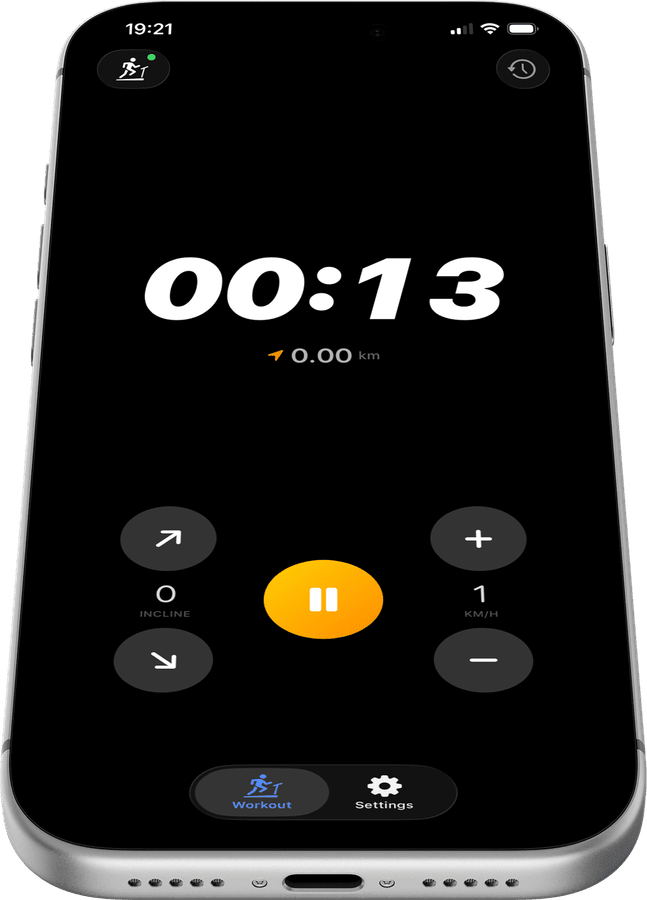
Adjust speed and incline on your Matrix TF50
The large on-screen controls in Treadmill Pro for your Matrix TF50 are built for use during active workouts, big enough for sweaty fingers and responsive enough to change speed mid-stride. No more reaching for the console.
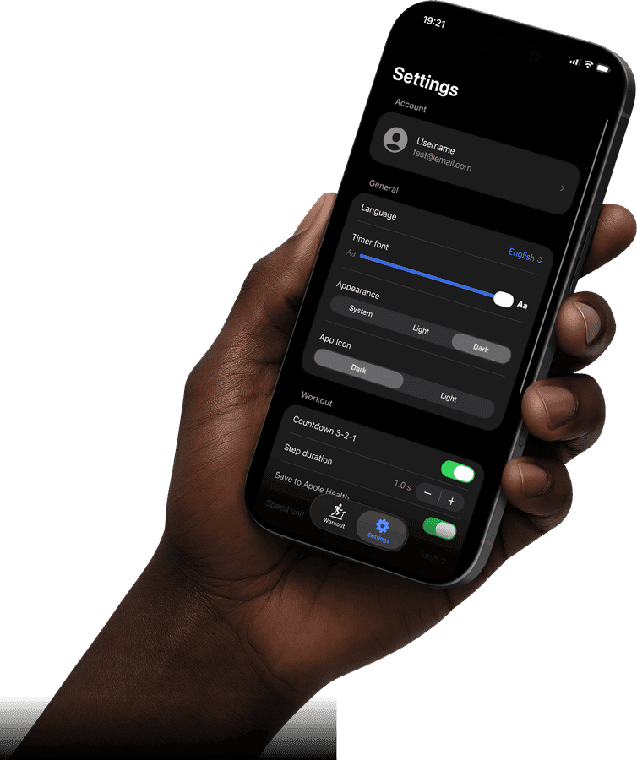
Every session saved to Apple Health
All your Matrix TF50 runs are synced to Apple Health automatically: distance, active calories, pace, and heart rate from Apple Watch. Your complete fitness history, in one place.
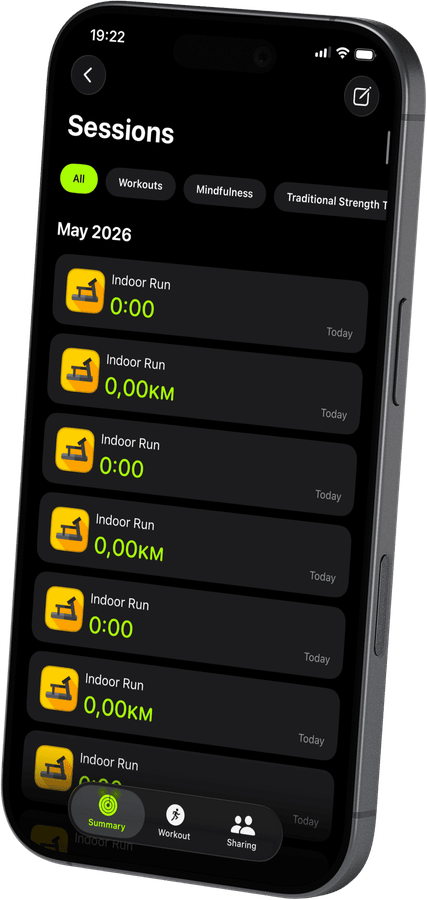
Track every TF50 run in detail
Treadmill Pro records distance, calories, average and max speed, and pace for every session. Rate your workouts with a star, and review the full history over time.
How to connect your Matrix TF50
- 1
Power on your treadmill
Turn on your Matrix TF50 and make sure Bluetooth is enabled on your iPhone.
- 2
Open the app and connect
Launch Treadmill Pro. It scans for FTMS and supported Bluetooth treadmills, and your Matrix TF50 appears automatically. Tap to connect.
- 3
Control and track
Use the on-screen controls to set speed and incline. Session stats are recorded in real time and saved to Apple Health when you end the workout.
Other supported treadmills
View all supported treadmills


Frequently asked questions
Can I upgrade to Pro for extra features?
Treadmill Pro offers an optional paid upgrade with additional features on top of the free Bluetooth control for the Matrix TF50. The core connection and tracking stay free either way.
Does the Matrix TF50 need a firmware update first?
Most Matrix TF50 units work with Treadmill Pro out of the box. If your treadmill uses an unusually old firmware version, check the manufacturer's app for available updates.
What data is saved after each session?
Treadmill Pro saves distance, calories, average and max speed, and pace for every Matrix TF50 session, then mirrors that data into Apple Health.

Take control of
your TF50
Download Treadmill Pro for free and start controlling your Matrix TF50 from your iPhone in seconds.
Free on the App Store & Google Play · iPhone, iPad & Android