






Control your
Matrix Fitness T50
from your iPhone
Setting up the Matrix Fitness T50 with Treadmill Pro takes less than a minute. Turn on Bluetooth, open the app, and your treadmill is ready to control, no manuals, no account creation, no extra sensors to attach.


Free · iPhone, iPad & Android
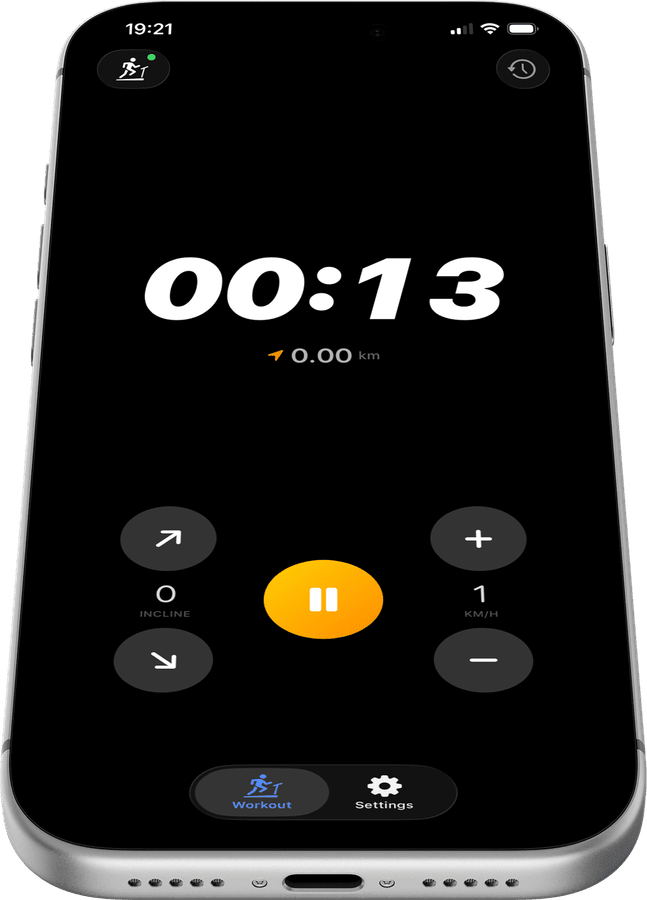
From box to workout in minutes on the Matrix Fitness T50
There is no complicated setup wizard. Treadmill Pro finds your Matrix Fitness T50 the first time you open the app and remembers it for every session after that.
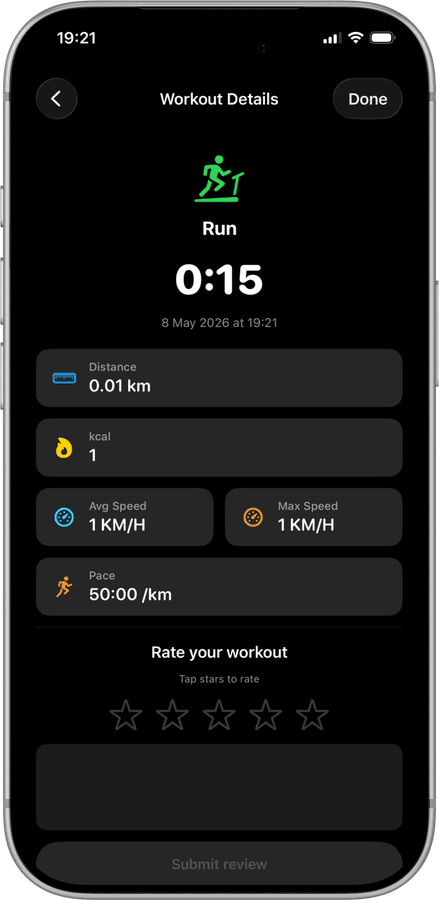
No extra sensors or hubs required
Your Matrix Fitness T50 connects directly over Bluetooth. There is no bridge device, no separate heart rate strap required, and nothing extra to buy.
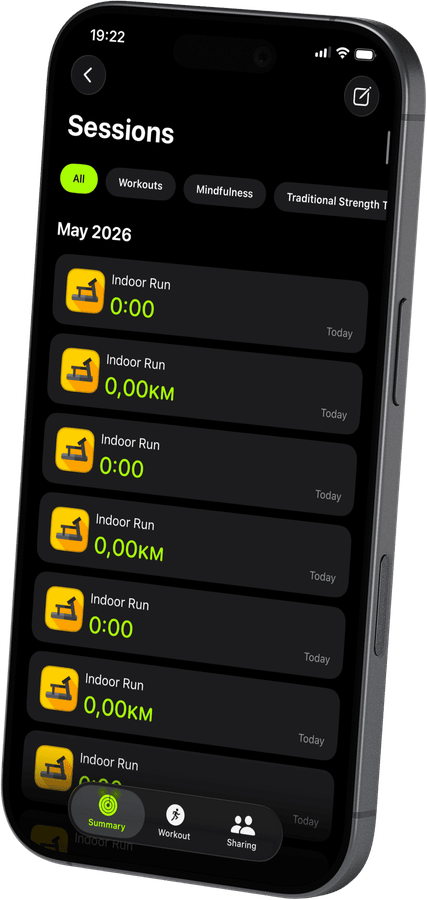

Ready for your very first run
Once connected, Treadmill Pro shows speed, incline, and a live timer right away, so your first workout on the T50 is tracked from the very first step.
How to connect your Matrix Fitness T50
- 1
Charge your phone, power the treadmill
Make sure Bluetooth is on in iPhone Settings, then switch on your Matrix Fitness T50 so it is ready to be discovered.
- 2
Let Treadmill Pro find the Matrix Fitness T50
Open the app and wait a few seconds. Your treadmill shows up in the device list on its own, no code needed. Tap it to pair.
- 3
Run, adjust, and finish
Start your session, change speed or incline whenever you like from your iPhone, and let Treadmill Pro handle the Apple Health sync when you stop.


Frequently asked questions
Is any extra hardware needed for the Matrix Fitness T50?
No. The Matrix Fitness T50 connects to Treadmill Pro over its built-in Bluetooth, so there is no dongle, bridge, or separate sensor to buy.
Can Treadmill Pro track my heart rate on the T50?
Yes, if you wear an Apple Watch during your Matrix Fitness T50 session, your heart rate is captured through Apple Health alongside your workout stats.
How accurate is the distance shown for the Matrix Fitness T50?
Distance and speed come directly from the Matrix Fitness T50 itself over Bluetooth, so the numbers in Treadmill Pro match what the treadmill is actually measuring.

Take control of
your T50
Download Treadmill Pro for free and start controlling your Matrix Fitness T50 from your iPhone in seconds.
Free on the App Store & Google Play · iPhone, iPad & Android