






Control your
Body Sculpture BT-3116DS
from your iPhone
Your Body Sculpture BT-3116DS deserves a better control experience. Treadmill Pro connects via Bluetooth and puts speed, incline, and workout tracking right on your iPhone, completely free.


Free · iPhone, iPad & Android
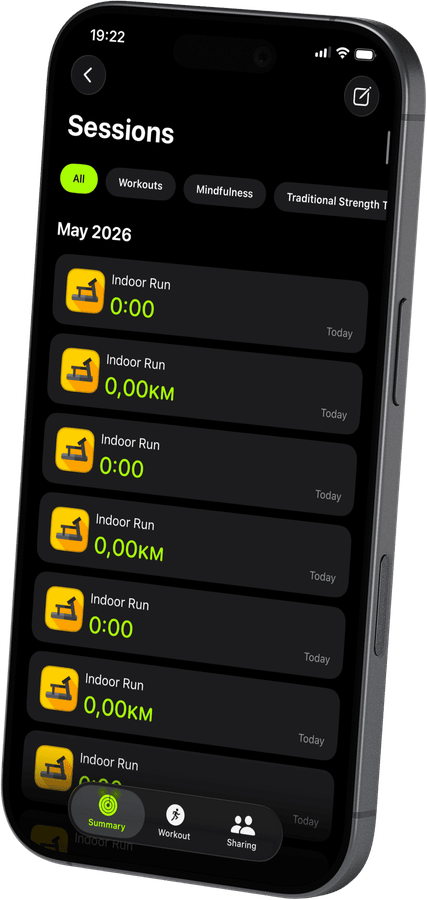

Find the Body Sculpture BT-3116DS in the app instantly
Open Treadmill Pro, go to Devices, and your Body Sculpture BT-3116DS appears within seconds. No PIN, no pairing code, just tap to connect and start your session.
Run data that actually means something
After every session, Treadmill Pro shows distance, calories, average and max speed, and pace. All data is stored in the app and synced to Apple Health, so your long-term fitness picture is always complete.
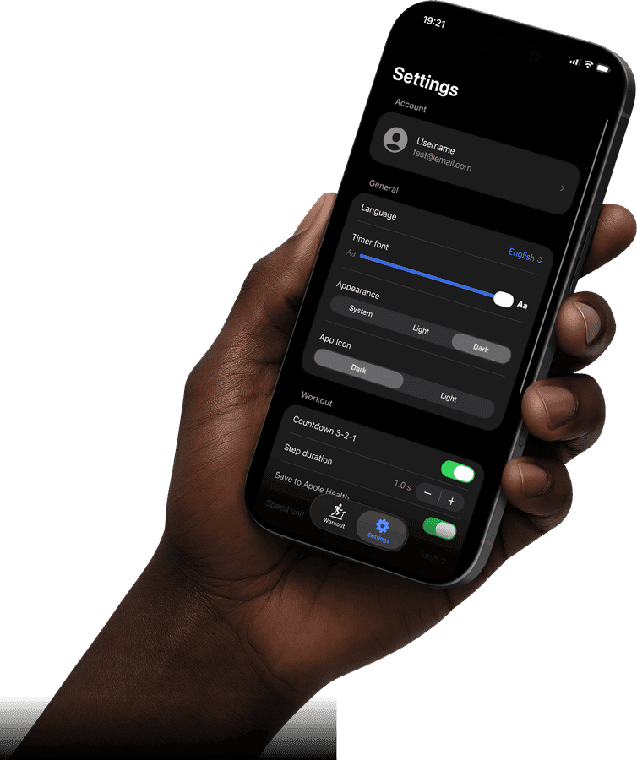
Apple Health, ready from day one
Your Body Sculpture BT-3116DS sessions sync to Apple Health automatically: distance, active calories, heart rate via Apple Watch, and more. Open the Health app and your treadmill history is already there.
How to connect your Body Sculpture BT-3116DS
- 1
Charge your phone, power the treadmill
Make sure Bluetooth is on in iPhone Settings, then switch on your Body Sculpture BT-3116DS so it is ready to be discovered.
- 2
Let Treadmill Pro find the Body Sculpture BT-3116DS
Open the app and wait a few seconds. Your treadmill shows up in the device list on its own, no code needed. Tap it to pair.
- 3
Run, adjust, and finish
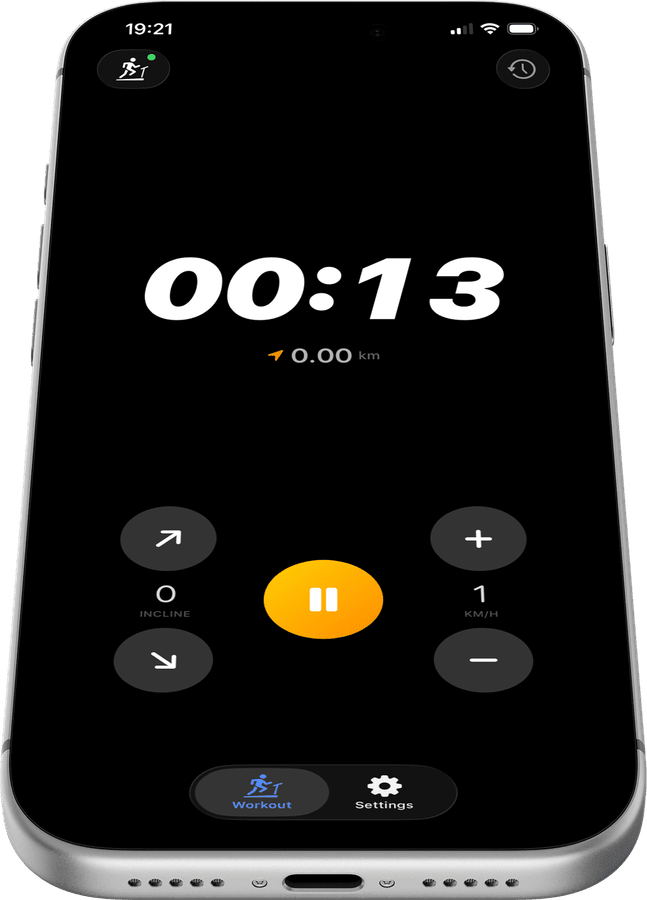
Start your session, change speed or incline whenever you like from your iPhone, and let Treadmill Pro handle the Apple Health sync when you stop.
Other supported treadmills


Frequently asked questions
What iOS version do I need for the Body Sculpture BT-3116DS?
Treadmill Pro requires iOS 15 or later to connect with the Body Sculpture BT-3116DS. Most iPhones from the last several years meet this requirement.
Does Treadmill Pro work with an iPad too?
Yes, Treadmill Pro runs on iPad as well as iPhone, so you can control your Body Sculpture BT-3116DS from whichever device you prefer to have nearby.
Are there ads in the app?
Core features for the Body Sculpture BT-3116DS, Bluetooth control, incline and speed adjustment, and Apple Health sync, are all included without ads.

Take control of
your BT-3116DS
Download Treadmill Pro for free and start controlling your Body Sculpture BT-3116DS from your iPhone in seconds.
Free on the App Store & Google Play · iPhone, iPad & Android