


设置
如何把跑步机连接到手机
你需要一台带蓝牙的跑步机、一部手机,再花大约一分钟。应用会自动找到跑步机,并显示在列表里。
如果列表里没有你的跑步机,看看下面的清单,常见原因都在里面。


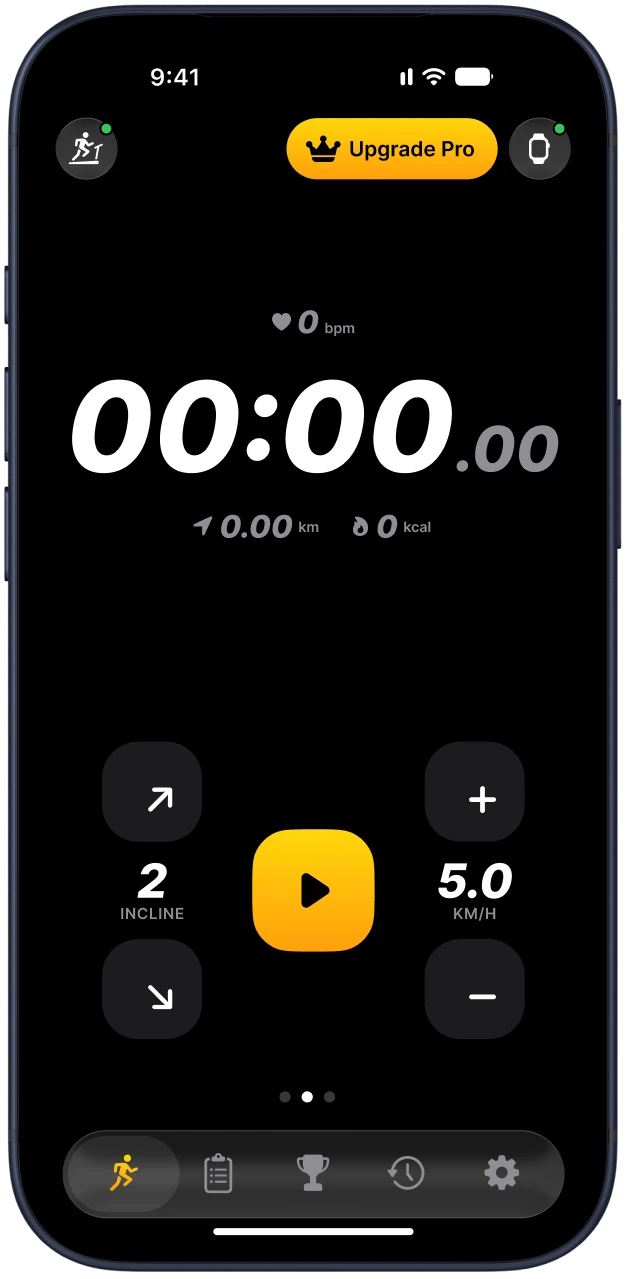
How it works
Connect in three taps
-
Download the app
Get Treadmill Pro free from the App Store or Google Play.
-
Turn on Bluetooth
Switch on your treadmill and Bluetooth on your phone.
-
Tap Connect
Pick your treadmill from the list and start your workout.
Supported treadmills
Works with 65+ treadmills
Any treadmill with the FTMS Bluetooth profile, plus many models with their own protocols.
- WalkingPad
- NordicTrack
- ProForm
- Sole
- Horizon
- Bowflex
- Gymax
- BH Fitness
- Bluefin
FAQ
Questions and answers
Is Treadmill Pro free?
Yes. The app is free to download. Control, timer and live stats are free, and Pro adds every program, live heart rate and more.
Which treadmills are supported?
Any treadmill with the FTMS Bluetooth profile, plus WalkingPad, Gymax and many models with their own protocols. 65+ in total.
Do I need an Apple Watch?
No. Everything works with just your phone. With an Apple Watch you also get live heart rate.
How do I cancel Pro?
Open your subscriptions in the App Store or Google Play and cancel there. You keep Pro until the end of the paid period.
找不到跑步机怎么办
确认跑步机已经开机,控制台处于唤醒状态。很多机型只有在控制台亮着时才会广播蓝牙信号。
打开手机蓝牙,并在手机设置里允许 Treadmill Pro 使用蓝牙。
关掉其他健身应用。跑步机通常一次只能接受一个蓝牙连接。
把手机拿到控制台旁边,一两米以内,再试一次。
把跑步机关机十秒再开机,然后重新点连接。
还是不行?请把跑步机型号发到 support@treadmillpro.app,我们来帮你。
连接类型
| 类型 | 含义 |
|---|---|
| FTMS | 健身器材通用的蓝牙标准协议,大多数新款跑步机都支持。 |
| WalkingPad | WalkingPad 及类似品牌的走步机。 |
| 自有协议 | Gymax、Superfit 等部分品牌使用自家协议,按具体型号提供支持。 |
安全提示
开始前先把安全夹扣在衣服上。如果感觉不对劲,用安全锁或控制台立刻停机。
常见问题
iPhone 和 Android 都能用吗?
可以。Treadmill Pro 在 App Store 和 Google Play 都能免费下载,两边的操作步骤一样。
需要连 Wi-Fi 吗?
不需要。跑步机只通过蓝牙连接。