






Control your
Sole F85
from your iPhone
The Sole F85 uses the FTMS Bluetooth fitness standard, which is exactly what Treadmill Pro is built to speak. That is why the connection is reliable instead of a guessing game of pairing codes.


Free · iPhone, iPad & Android
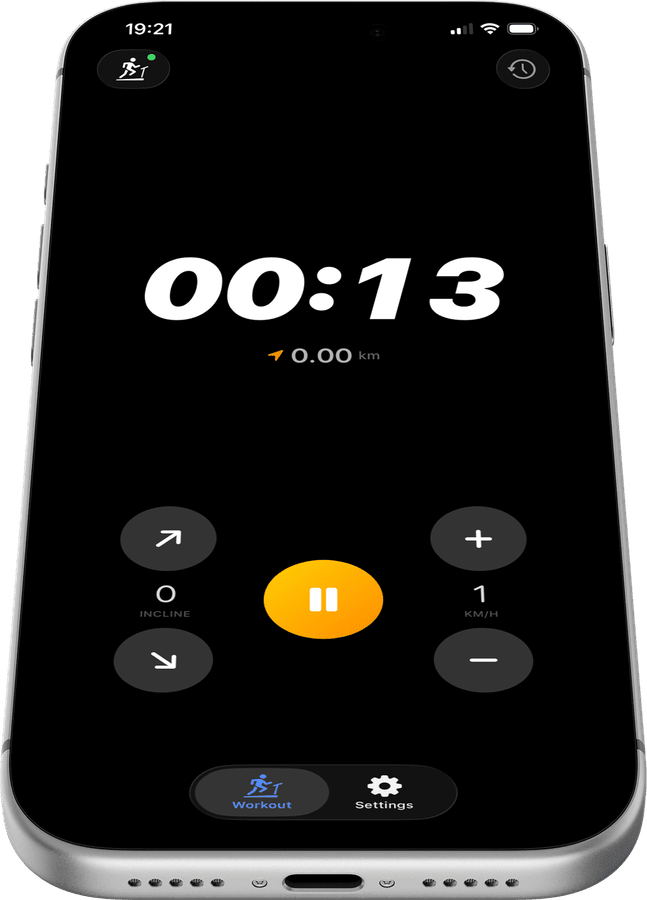
Built on an open standard for the Sole F85
Treadmill Pro talks to the Sole F85 using FTMS, the same open Bluetooth protocol used across dozens of treadmill brands, instead of a fragile private integration.
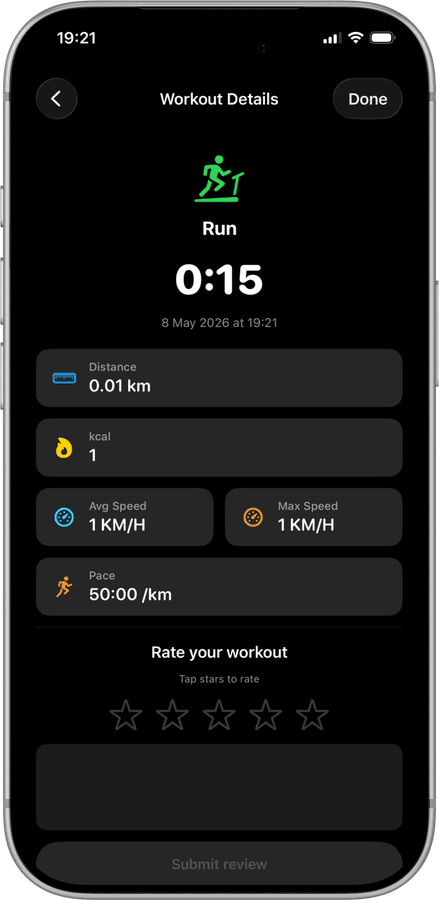
Confirmed compatible, not just theoretically supported
The Sole F85 has been tested and confirmed working with Treadmill Pro, so you are not the first person finding out whether the connection actually holds up.
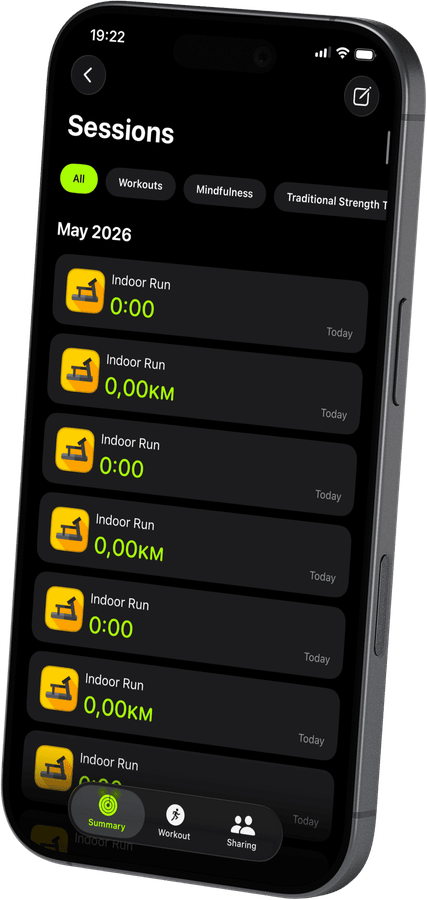

Consistent behavior session after session
Speed and incline commands sent to your Sole F85 behave the same way every time, because the app relies on a documented protocol rather than reverse-engineered guesses.
How to connect your Sole F85
- 1
Charge your phone, power the treadmill
Make sure Bluetooth is on in iPhone Settings, then switch on your Sole F85 so it is ready to be discovered.
- 2
Let Treadmill Pro find the Sole F85
Open the app and wait a few seconds. Your treadmill shows up in the device list on its own, no code needed. Tap it to pair.
- 3
Run, adjust, and finish
Start your session, change speed or incline whenever you like from your iPhone, and let Treadmill Pro handle the Apple Health sync when you stop.
Other supported treadmills
View all supported treadmills


Frequently asked questions
Is any extra hardware needed for the Sole F85?
No. The Sole F85 connects to Treadmill Pro over its built-in Bluetooth, so there is no dongle, bridge, or separate sensor to buy.
Can Treadmill Pro track my heart rate on the F85?
Yes, if you wear an Apple Watch during your Sole F85 session, your heart rate is captured through Apple Health alongside your workout stats.
How accurate is the distance shown for the Sole F85?
Distance and speed come directly from the Sole F85 itself over Bluetooth, so the numbers in Treadmill Pro match what the treadmill is actually measuring.

Take control of
your F85
Download Treadmill Pro for free and start controlling your Sole F85 from your iPhone in seconds.
Free on the App Store & Google Play · iPhone, iPad & Android