






Control your
Geemax Tm-01
from your iPhone
The small buttons on the Geemax Tm-01 console were not designed for changing settings while you are out of breath. Treadmill Pro replaces them with large, obvious on-screen controls on your iPhone.


Free · iPhone, iPad & Android
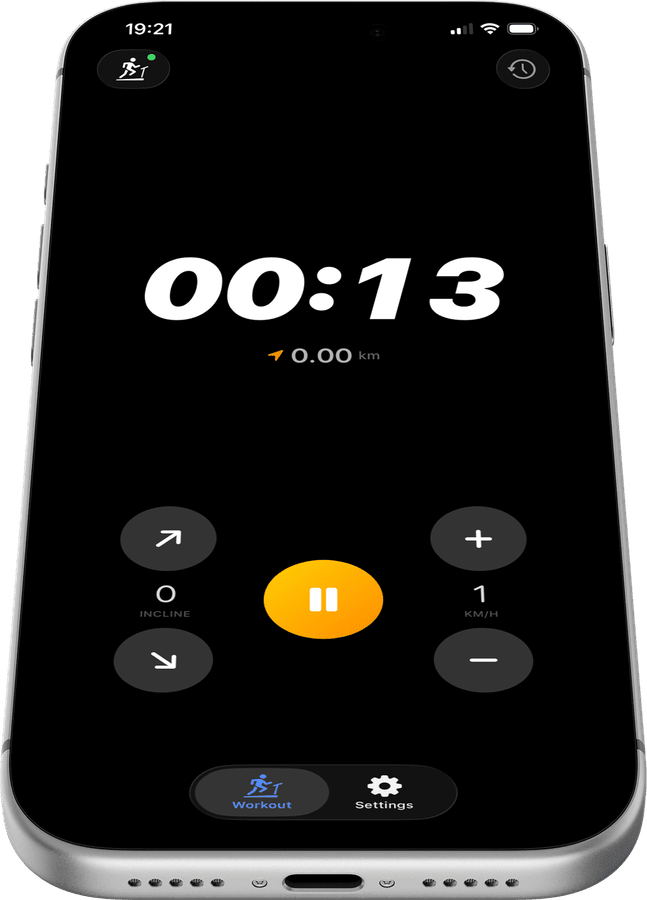
Bigger controls than the Geemax Tm-01 console
Treadmill Pro's speed and incline buttons are sized for use mid-run, easier to hit accurately than the small physical buttons built into the Geemax Tm-01.
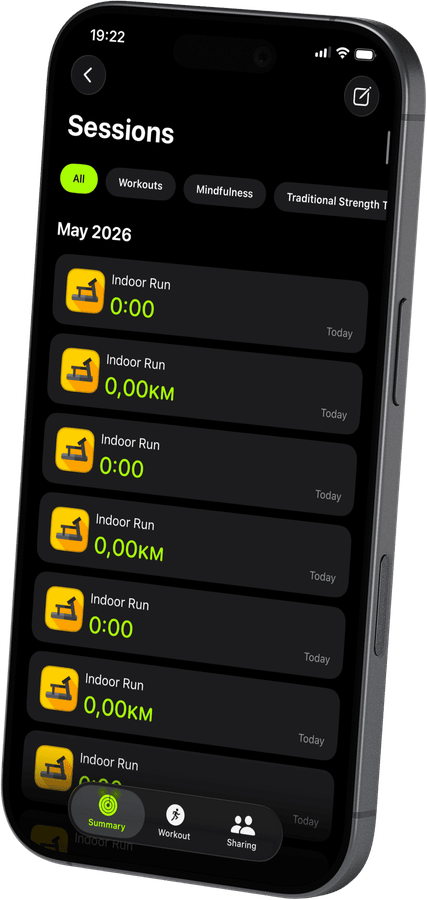

One glance instead of squinting at a console
Your current speed, incline, and elapsed time are shown clearly on your iPhone screen, readable at arm's length instead of squinting down at the Tm-01 display.
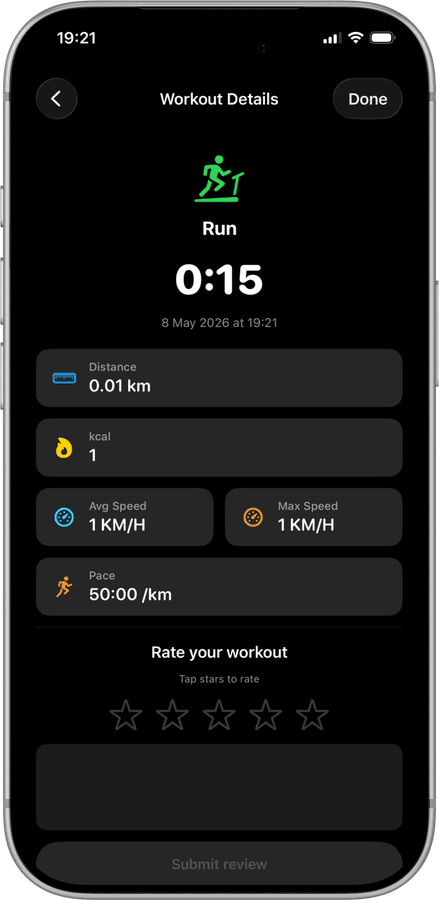
The console becomes optional
Once your Geemax Tm-01 is connected, most sessions can be run entirely from your iPhone. The physical console is still there, but you rarely need to touch it.
How to connect your Geemax Tm-01
- 1
Get the Geemax Tm-01 powered on
Switch the treadmill on and unlock your iPhone with Bluetooth enabled before opening Treadmill Pro.
- 2
Confirm the connection
The app detects the Geemax Tm-01 within a few seconds. A single tap on its name completes the pairing, no PIN required.
- 3
Track the whole session
From the moment you tap Start, Treadmill Pro logs distance, pace, and calories, then hands everything off to Apple Health at the end.
Other supported treadmills
View all supported treadmills


Frequently asked questions
What if the Geemax Tm-01 does not appear in the device list?
Make sure the Geemax Tm-01 is powered on and Bluetooth is enabled on your iPhone, then reopen the Devices screen in Treadmill Pro. Most treadmills appear within a few seconds.
Does Treadmill Pro support incline-only workouts on the Tm-01?
Yes, you can adjust incline independently of speed on the Geemax Tm-01, which is useful for walking workouts or incline intervals.
Can I see my past Geemax Tm-01 sessions in the app itself?
Yes. Treadmill Pro keeps a history of your Geemax Tm-01 sessions in-app, in addition to syncing everything to Apple Health.

Take control of
your Tm-01
Download Treadmill Pro for free and start controlling your Geemax Tm-01 from your iPhone in seconds.
Free on the App Store & Google Play · iPhone, iPad & Android