






Control your
SportsArt T652M
from your iPhone
The small buttons on the SportsArt T652M console were not designed for changing settings while you are out of breath. Treadmill Pro replaces them with large, obvious on-screen controls on your iPhone.


Free · iPhone, iPad & Android
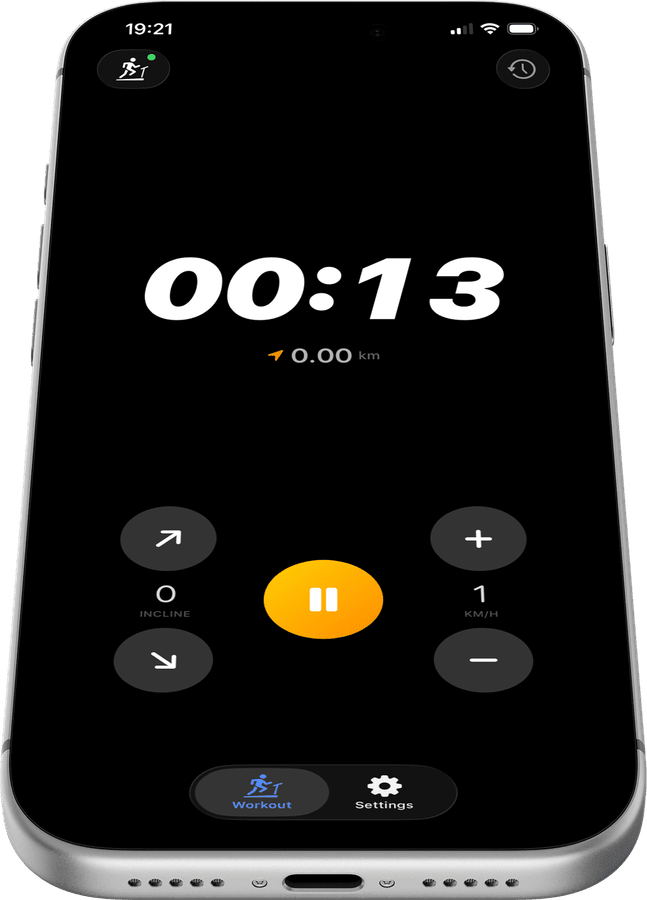
Bigger controls than the SportsArt T652M console
Treadmill Pro's speed and incline buttons are sized for use mid-run, easier to hit accurately than the small physical buttons built into the SportsArt T652M.
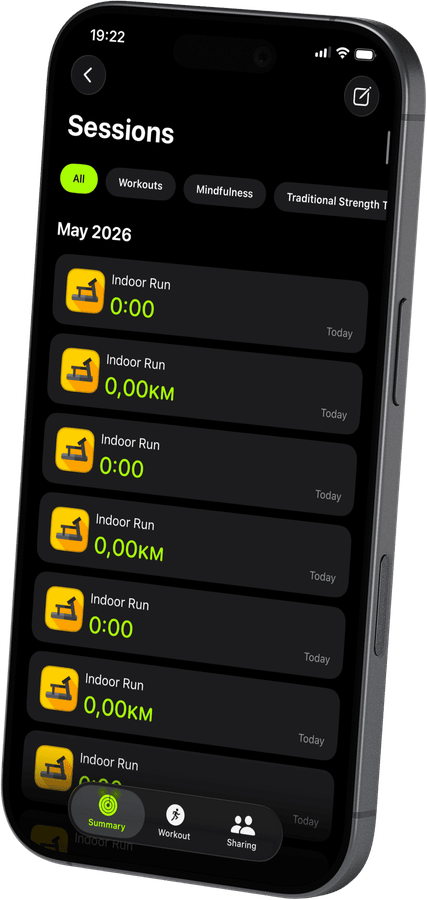

One glance instead of squinting at a console
Your current speed, incline, and elapsed time are shown clearly on your iPhone screen, readable at arm's length instead of squinting down at the T652M display.
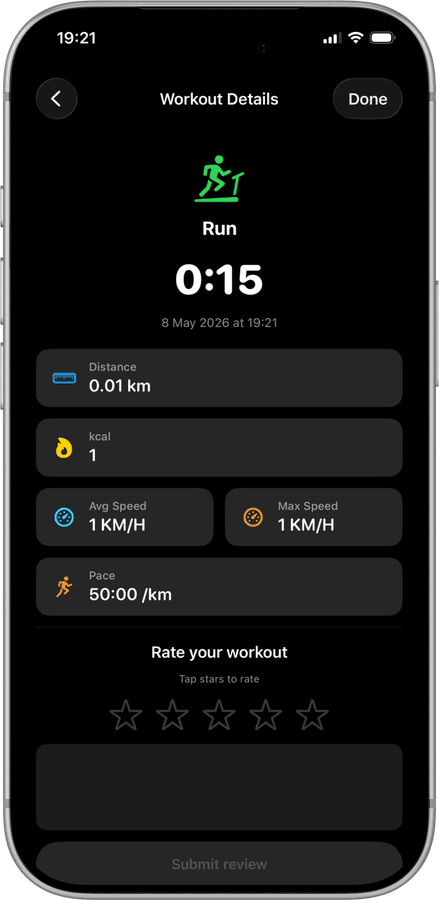
The console becomes optional
Once your SportsArt T652M is connected, most sessions can be run entirely from your iPhone. The physical console is still there, but you rarely need to touch it.
How to connect your SportsArt T652M
- 1
Enable Bluetooth
Make sure Bluetooth is on in iPhone Settings, then power on your SportsArt T652M.
- 2
Auto-discover in Treadmill Pro
Open the app, and it immediately scans for nearby treadmills. Your SportsArt T652M shows up automatically. One tap connects you.
- 3
Run and let the app do the rest
Adjust speed and incline from your iPhone. Workout data, heart rate from Apple Watch, and session history are all saved to Apple Health.
Other supported treadmills


Frequently asked questions
How far away can my iPhone be from the SportsArt T652M?
Bluetooth has a typical range of about 10 meters (30 feet), so keeping your iPhone anywhere near the SportsArt T652M during a run, including in an armband, works reliably.
Will Treadmill Pro work if I already use a fitness watch?
Yes. Treadmill Pro controls the SportsArt T652M independently and, if you wear an Apple Watch, adds heart rate data from Apple Health without any extra setup.
Can I stop and restart a session on the T652M?
Yes, you can pause and resume a workout on the SportsArt T652M from within Treadmill Pro, and the final saved session reflects your full active time.

Take control of
your T652M
Download Treadmill Pro for free and start controlling your SportsArt T652M from your iPhone in seconds.
Free on the App Store & Google Play · iPhone, iPad & Android