






Control your
Aztec Portable
from your iPhone
Changing speed or incline by hand mid-run on the Aztec Portable means reaching for a console you can barely see while breathing hard. Treadmill Pro moves those controls to your iPhone, so you can adjust pace without breaking your stride.


Free · iPhone, iPad & Android
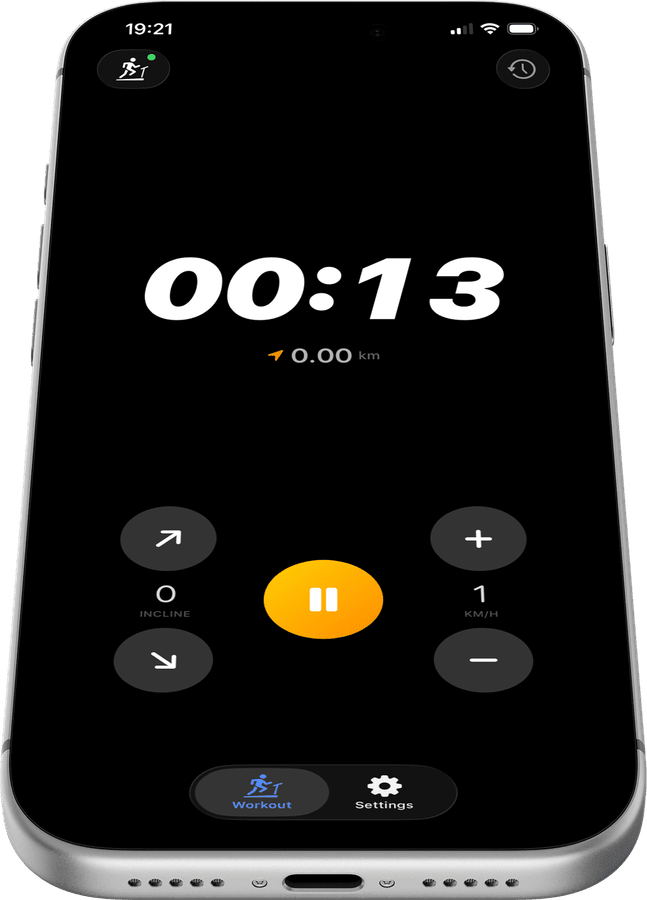
Keep your eyes forward on the Aztec Portable
Speed and incline for your Aztec Portable live in one thumb-friendly panel in Treadmill Pro, so you never have to lean toward the console or look away from your stride to make a change.
Interval training made simple
Jump between paces in a tap during intervals or hill repeats on your Aztec Portable. Treadmill Pro responds instantly over Bluetooth, with no lag waiting for a screen to catch up.
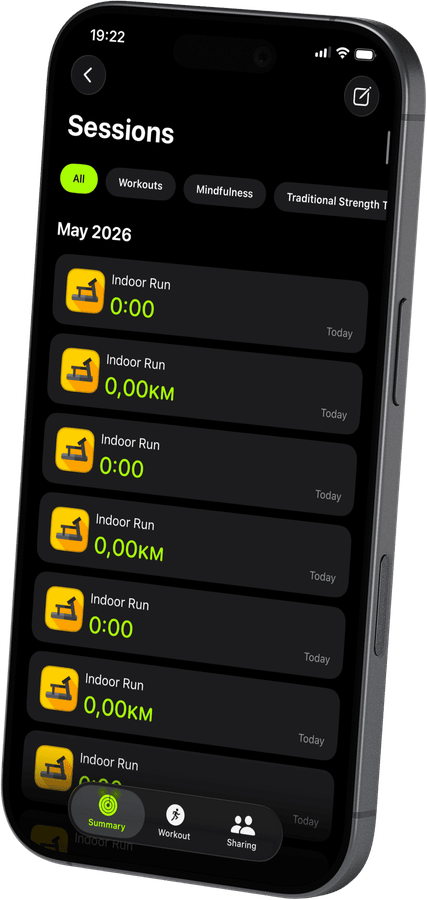

Every interval logged automatically
Treadmill Pro records each speed and incline change during your session, then saves the full workout, distance, and calories to Apple Health when you finish.
How to connect your Aztec Portable
- 1
Turn on Bluetooth first
Before opening the app, confirm Bluetooth is switched on in iPhone Settings and your Aztec Portable is powered up.
- 2
Pick your treadmill from the list
Treadmill Pro scans automatically and lists nearby FTMS treadmills. Find your Aztec Portable and tap once to connect.
- 3
Tap start and go
With the connection made, tap Start to begin your session. Speed and incline stay under your control from the iPhone the whole time.


Frequently asked questions
Can I upgrade to Pro for extra features?
Treadmill Pro offers an optional paid upgrade with additional features on top of the free Bluetooth control for the Aztec Portable. The core connection and tracking stay free either way.
Does the Aztec Portable need a firmware update first?
Most Aztec Portable units work with Treadmill Pro out of the box. If your treadmill uses an unusually old firmware version, check the manufacturer's app for available updates.
What data is saved after each session?
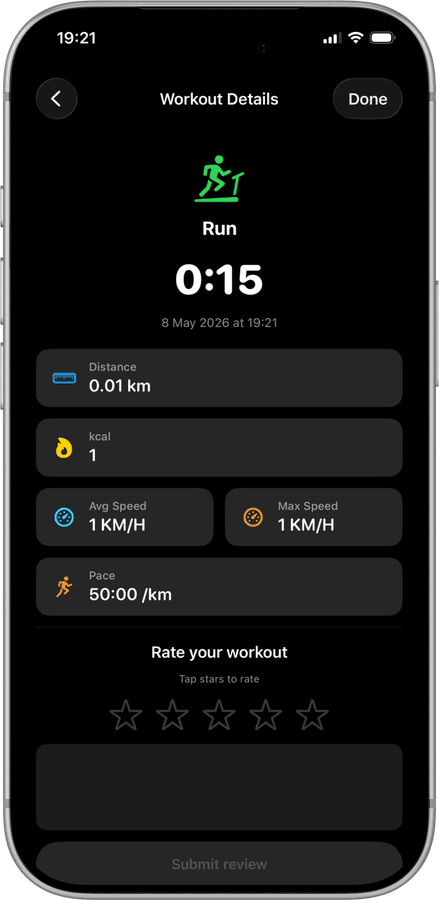
Treadmill Pro saves distance, calories, average and max speed, and pace for every Aztec Portable session, then mirrors that data into Apple Health.

Take control of
your Portable
Download Treadmill Pro for free and start controlling your Aztec Portable from your iPhone in seconds.
Free on the App Store & Google Play · iPhone, iPad & Android