






Control your
Treadmills Qk-3058
from your iPhone
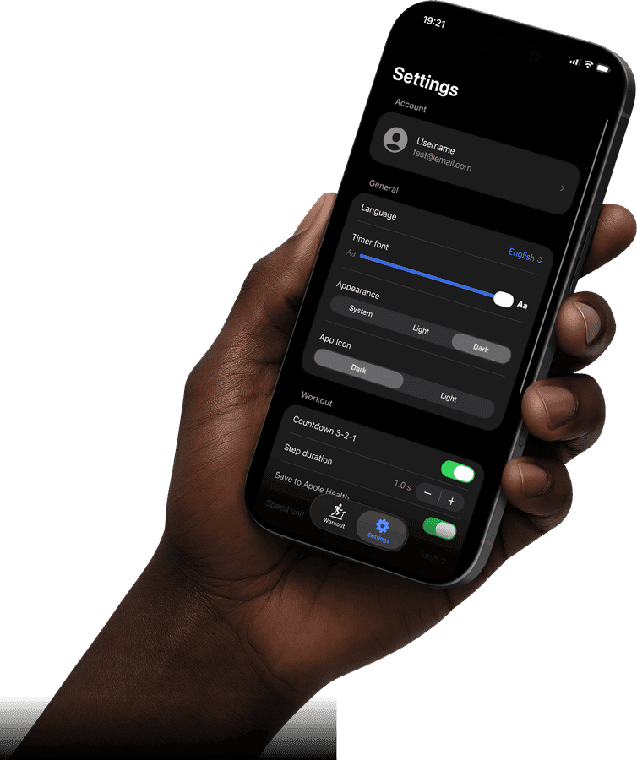
Everyone in the house uses the Treadmills Qk-3058 a little differently. Treadmill Pro adapts to each runner with 16 languages, metric or imperial units, and a choice of light or dark themes, all on the same treadmill.


Free · iPhone, iPad & Android
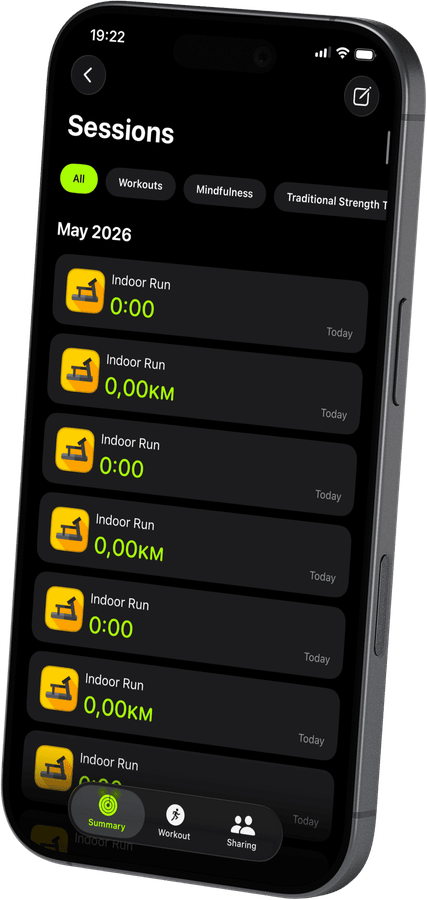

Set up the Treadmills Qk-3058 your way
Switch between metric and imperial units, pick a language from six available, and choose a theme that suits how and when you run on your Treadmills Qk-3058.
A custom app icon for a treadmill that feels like yours
Treadmill Pro lets you pick from several app icons, a small touch that makes the app controlling your Treadmills Qk-3058 feel like part of your setup, not a generic add-on.
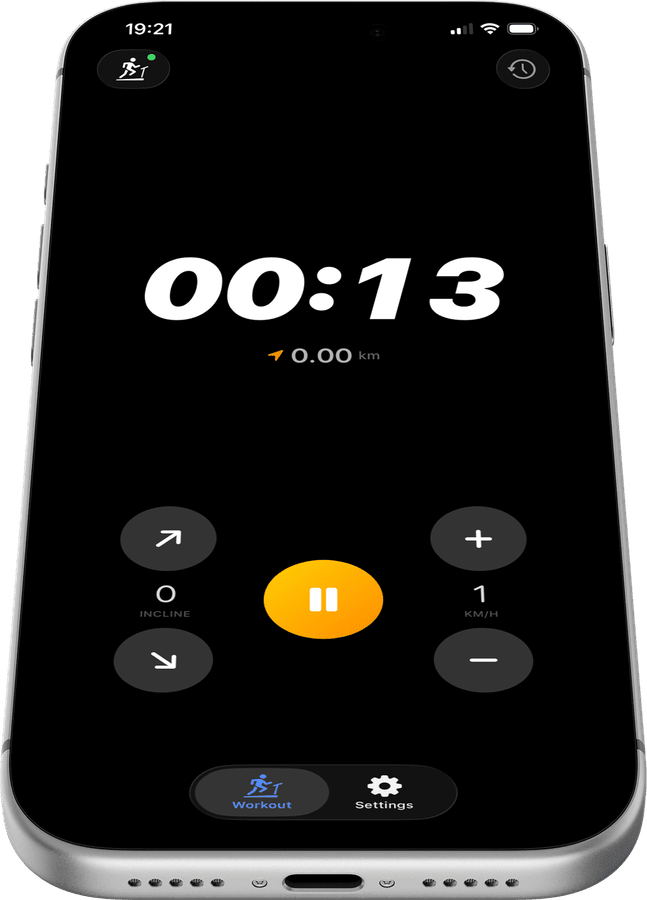
Consistent controls no matter who is running
Whether it is a quick walk or a full training run, the same simple speed and incline controls apply to every session on the Qk-3058, so nobody has to relearn the console.
How to connect your Treadmills Qk-3058
- 1
Power on your treadmill
Turn on your Treadmills Qk-3058 and make sure Bluetooth is enabled on your iPhone.
- 2
Open the app and connect
Launch Treadmill Pro. It scans for FTMS and supported Bluetooth treadmills, and your Treadmills Qk-3058 appears automatically. Tap to connect.
- 3
Control and track
Use the on-screen controls to set speed and incline. Session stats are recorded in real time and saved to Apple Health when you end the workout.


Frequently asked questions
Does Treadmill Pro work with the Treadmills Qk-3058?
Yes. The Treadmills Qk-3058 is on our confirmed-compatible device list. Open Treadmill Pro on your iPhone, and it will discover your treadmill automatically over Bluetooth, no manual setup needed.
What do I need to control my Treadmills Qk-3058 from my phone?
Just an iPhone running iOS 15 or later with Bluetooth enabled, and the free Treadmill Pro app from the App Store. No extra hardware, dongles, or accessories are required.
Is the Treadmills Qk-3058 app free?
Treadmill Pro is free to download. Bluetooth connection, speed and incline control, and workout tracking are all included at no cost. An optional Pro upgrade unlocks additional features for users who want more.

Take control of
your Qk-3058
Download Treadmill Pro for free and start controlling your Treadmills Qk-3058 from your iPhone in seconds.
Free on the App Store & Google Play · iPhone, iPad & Android