






Control your
Toputure TP4
from your iPhone
Setting up the Toputure TP4 with Treadmill Pro takes less than a minute. Turn on Bluetooth, open the app, and your treadmill is ready to control, no manuals, no account creation, no extra sensors to attach.


Free · iPhone, iPad & Android
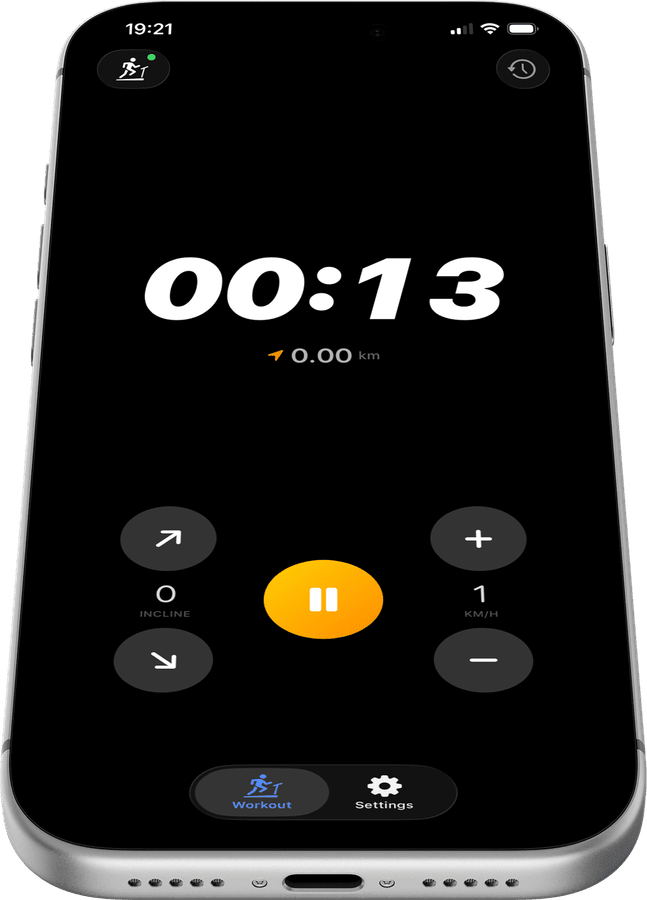
From box to workout in minutes on the Toputure TP4
There is no complicated setup wizard. Treadmill Pro finds your Toputure TP4 the first time you open the app and remembers it for every session after that.
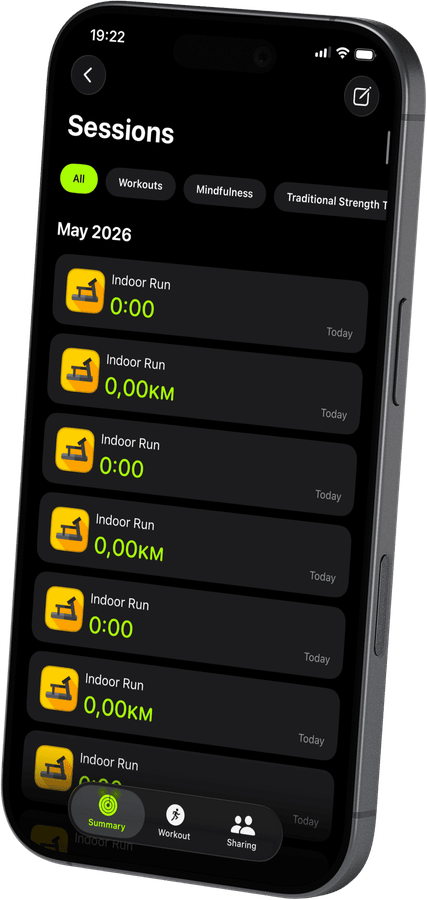

No extra sensors or hubs required
Your Toputure TP4 connects directly over Bluetooth. There is no bridge device, no separate heart rate strap required, and nothing extra to buy.
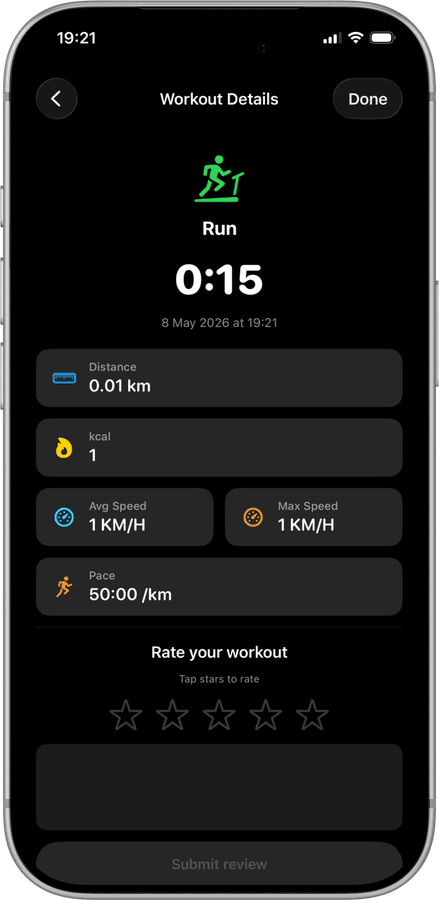
Ready for your very first run
Once connected, Treadmill Pro shows speed, incline, and a live timer right away, so your first workout on the TP4 is tracked from the very first step.
How to connect your Toputure TP4
- 1
Switch on the treadmill
Power up your Toputure TP4 and keep Bluetooth active on your iPhone before you open the app.
- 2
Connect in the Devices screen
Treadmill Pro's Devices screen lists your Toputure TP4 within seconds. Tap it once, and the pairing is done.
- 3
Begin your workout
Hit Start and control the Toputure TP4 directly from your iPhone. Your stats save automatically to Apple Health when you finish.
Other supported treadmills
View all supported treadmills


Frequently asked questions
What iOS version do I need for the Toputure TP4?
Treadmill Pro requires iOS 15 or later to connect with the Toputure TP4. Most iPhones from the last several years meet this requirement.
Does Treadmill Pro work with an iPad too?
Yes, Treadmill Pro runs on iPad as well as iPhone, so you can control your Toputure TP4 from whichever device you prefer to have nearby.
Are there ads in the app?
Core features for the Toputure TP4, Bluetooth control, incline and speed adjustment, and Apple Health sync, are all included without ads.

Take control of
your TP4
Download Treadmill Pro for free and start controlling your Toputure TP4 from your iPhone in seconds.
Free on the App Store & Google Play · iPhone, iPad & Android