






Control your
Technogym Skillrun
from your iPhone
The Technogym Skillrun connects to your iPhone over Bluetooth, putting full speed and incline control at your fingertips. Treadmill Pro finds your machine the moment you open the app, no pairing codes, no fiddling with consoles.


Free · iPhone, iPad & Android
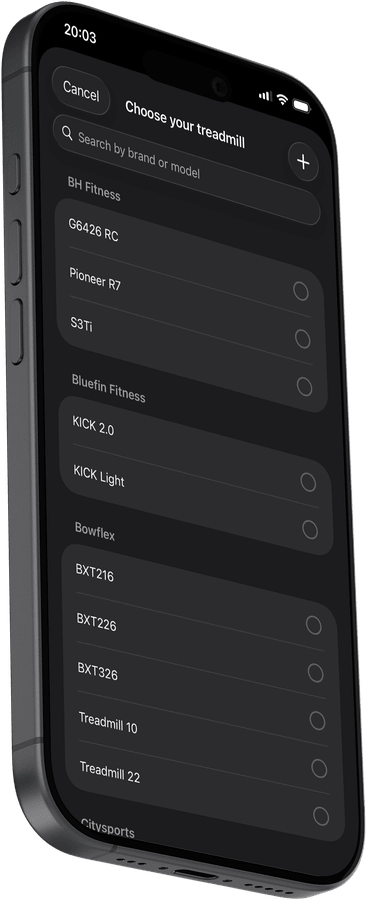
Adjust speed and incline on your Technogym Skillrun
The large on-screen controls in Treadmill Pro for your Technogym Skillrun are built for use during active workouts, big enough for sweaty fingers and responsive enough to change speed mid-stride. No more reaching for the console.
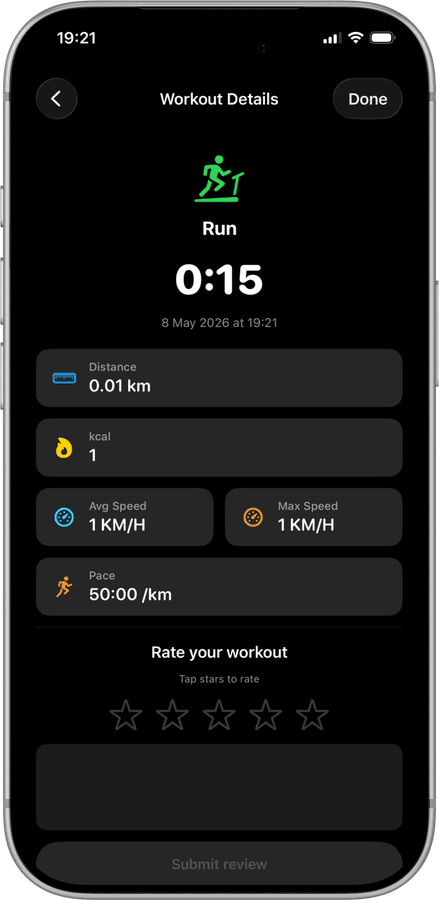
Every session saved to Apple Health
All your Technogym Skillrun runs are synced to Apple Health automatically: distance, active calories, pace, and heart rate from Apple Watch. Your complete fitness history, in one place.
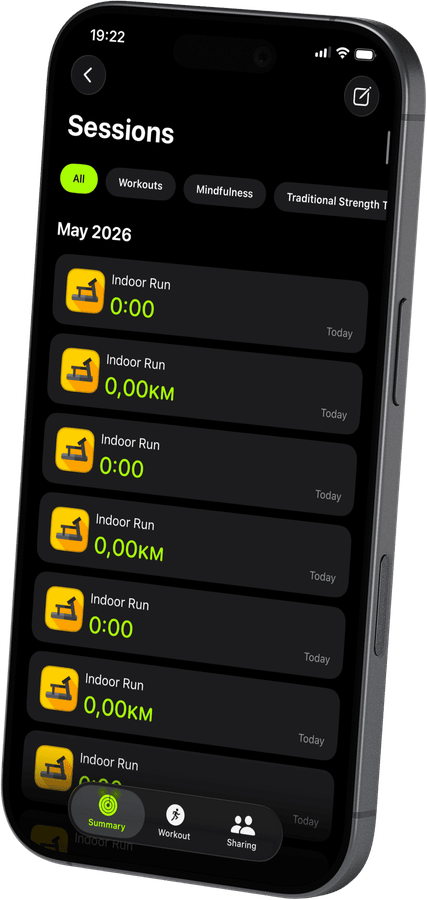

Track every Skillrun run in detail
Treadmill Pro records distance, calories, average and max speed, and pace for every session. Rate your workouts with a star, and review the full history over time.
How to connect your Technogym Skillrun
- 1
Turn on Bluetooth first
Before opening the app, confirm Bluetooth is switched on in iPhone Settings and your Technogym Skillrun is powered up.
- 2
Pick your treadmill from the list
Treadmill Pro scans automatically and lists nearby FTMS treadmills. Find your Technogym Skillrun and tap once to connect.
- 3
Tap start and go
With the connection made, tap Start to begin your session. Speed and incline stay under your control from the iPhone the whole time.
Other supported treadmills
View all supported treadmills


Frequently asked questions
Does Treadmill Pro work with the Technogym Skillrun?
Yes. The Technogym Skillrun is on our confirmed-compatible device list. Open Treadmill Pro on your iPhone, and it will discover your treadmill automatically over Bluetooth, no manual setup needed.
What do I need to control my Technogym Skillrun from my phone?
Just an iPhone running iOS 15 or later with Bluetooth enabled, and the free Treadmill Pro app from the App Store. No extra hardware, dongles, or accessories are required.
Is the Technogym Skillrun app free?
Treadmill Pro is free to download. Bluetooth connection, speed and incline control, and workout tracking are all included at no cost. An optional Pro upgrade unlocks additional features for users who want more.

Take control of
your Skillrun
Download Treadmill Pro for free and start controlling your Technogym Skillrun from your iPhone in seconds.
Free on the App Store & Google Play · iPhone, iPad & Android